
Vous pouvez facilement rediriger vos clients vers une page spécifique après leur connexion ou déconnexion.
Allez simplement dans WooCommerce > Paramètres > Gros clients > Général, et définissez la Page de redirection après connexion et la Page de redirection après déconnexion.
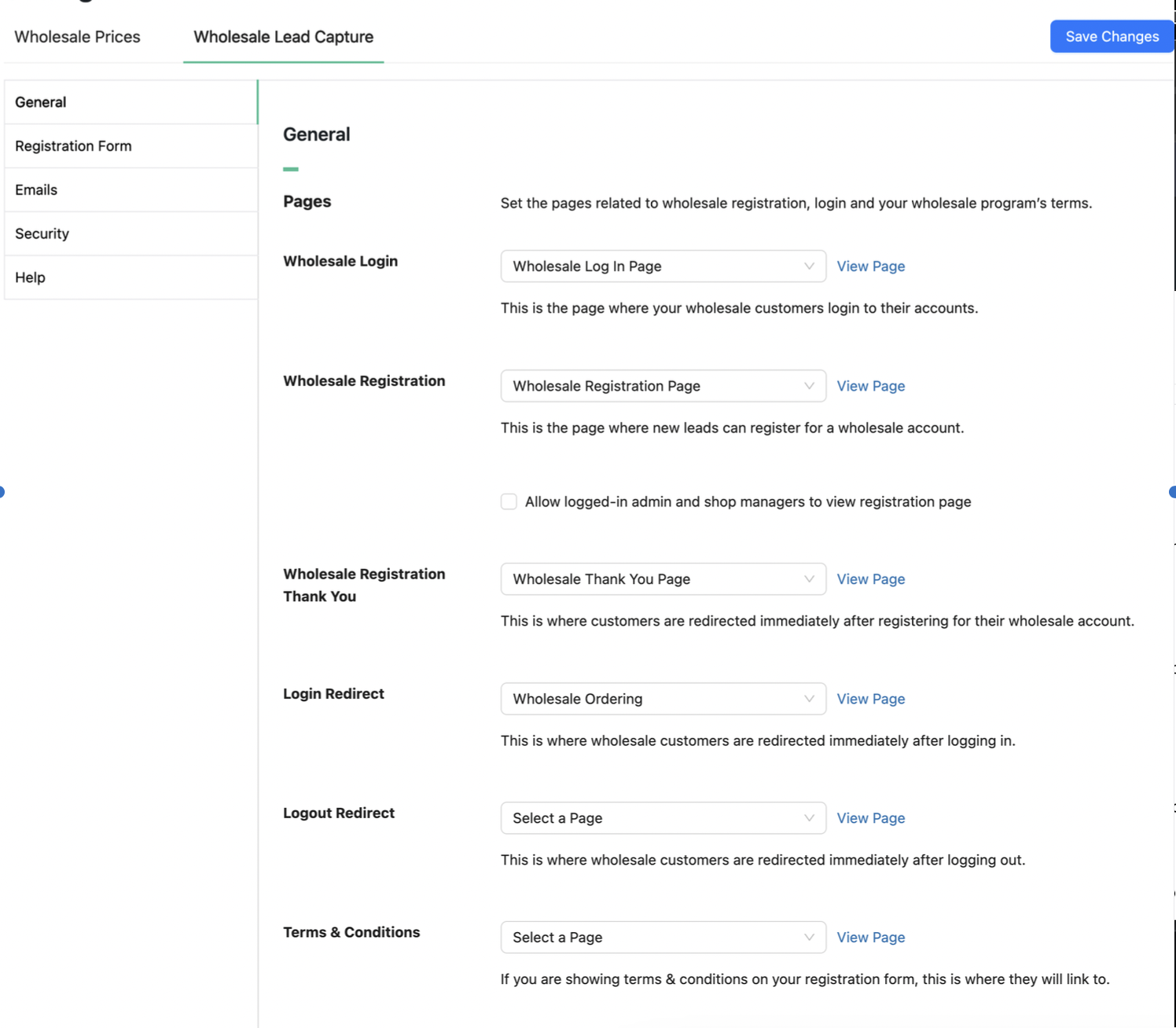
Veuillez noter que la redirection après connexion ne s'applique que lorsque vous utilisez la Page de connexion pour les gros clients de WooCommerce Wholesale Lead Capture. Elle ne redirigera pas les utilisateurs s'ils se connectent via votre page Mon compte ou par d'autres moyens.

