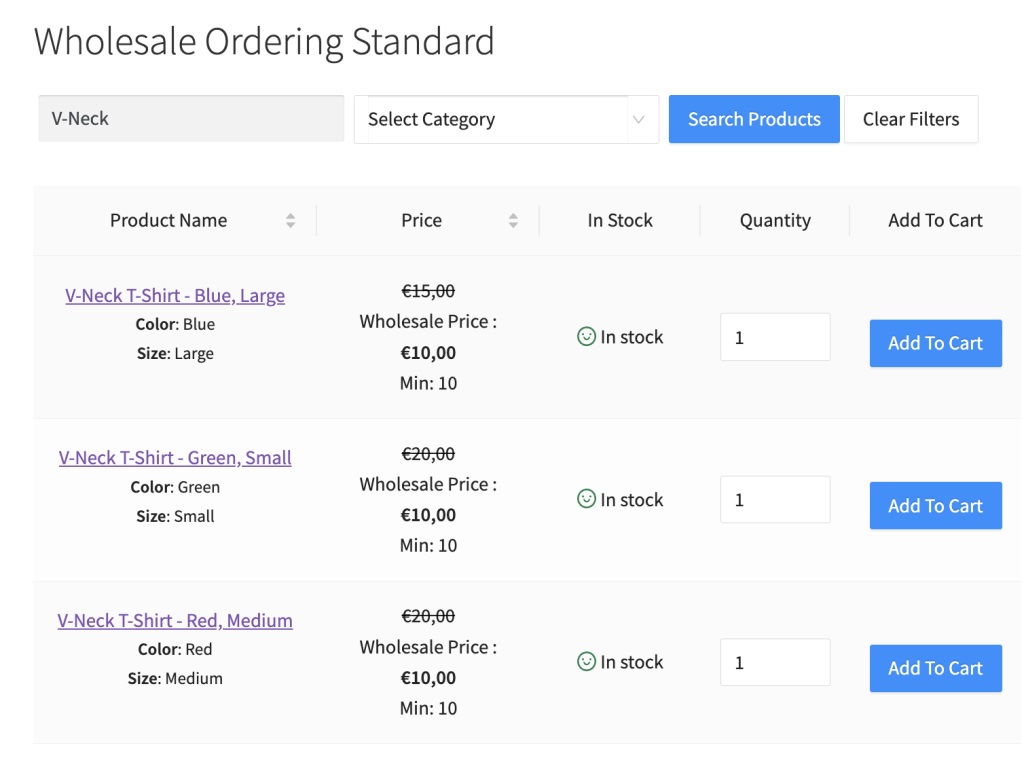
Per impostazione predefinita, mostriamo le varianti del prodotto per i prodotti variabili in stile menu a discesa. Riteniamo che ciò ridurrebbe il numero di clic necessari al tuo cliente per aggiungere prodotti al carrello. Tuttavia, alcuni proprietari di negozi vogliono accelerare questo passaggio elencando le loro varianti di prodotto individualmente.
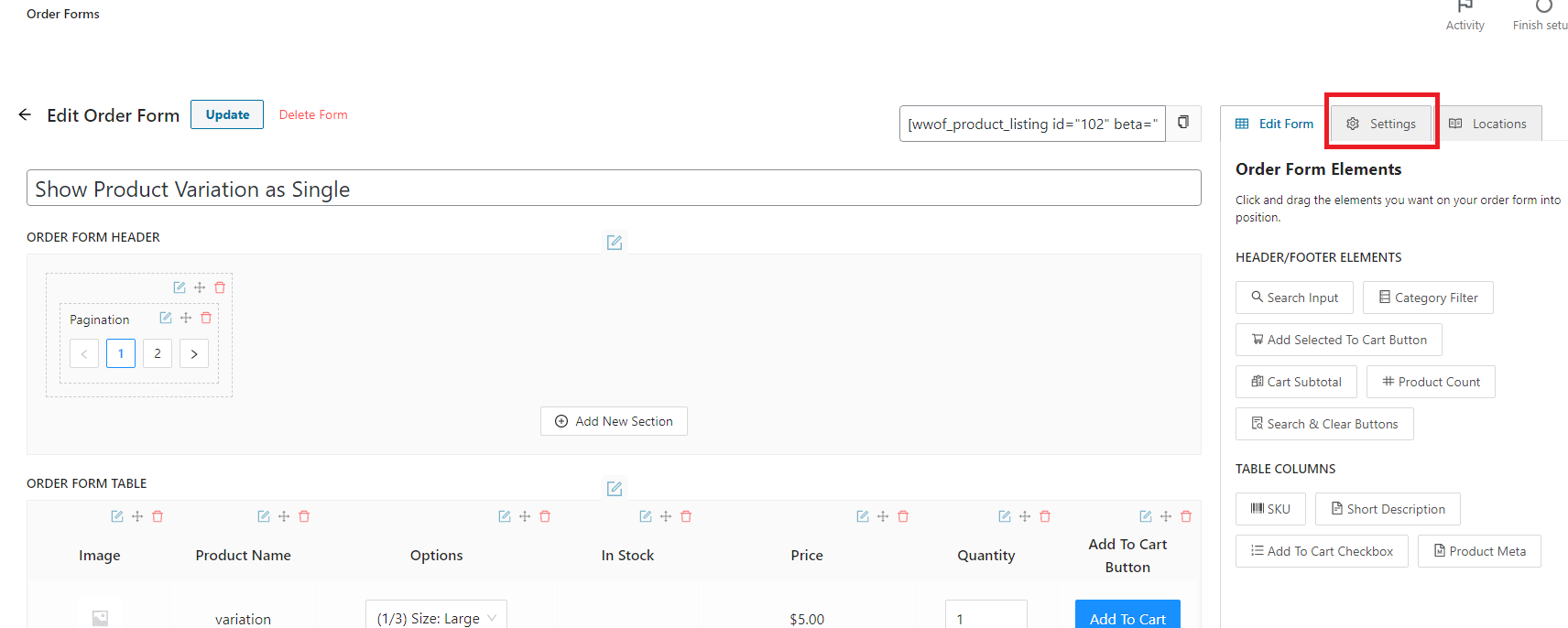
Nella pagina dell'editor del modulo d'ordine, fai clic sulla scheda Impostazioni che si trova in alto a destra della pagina.
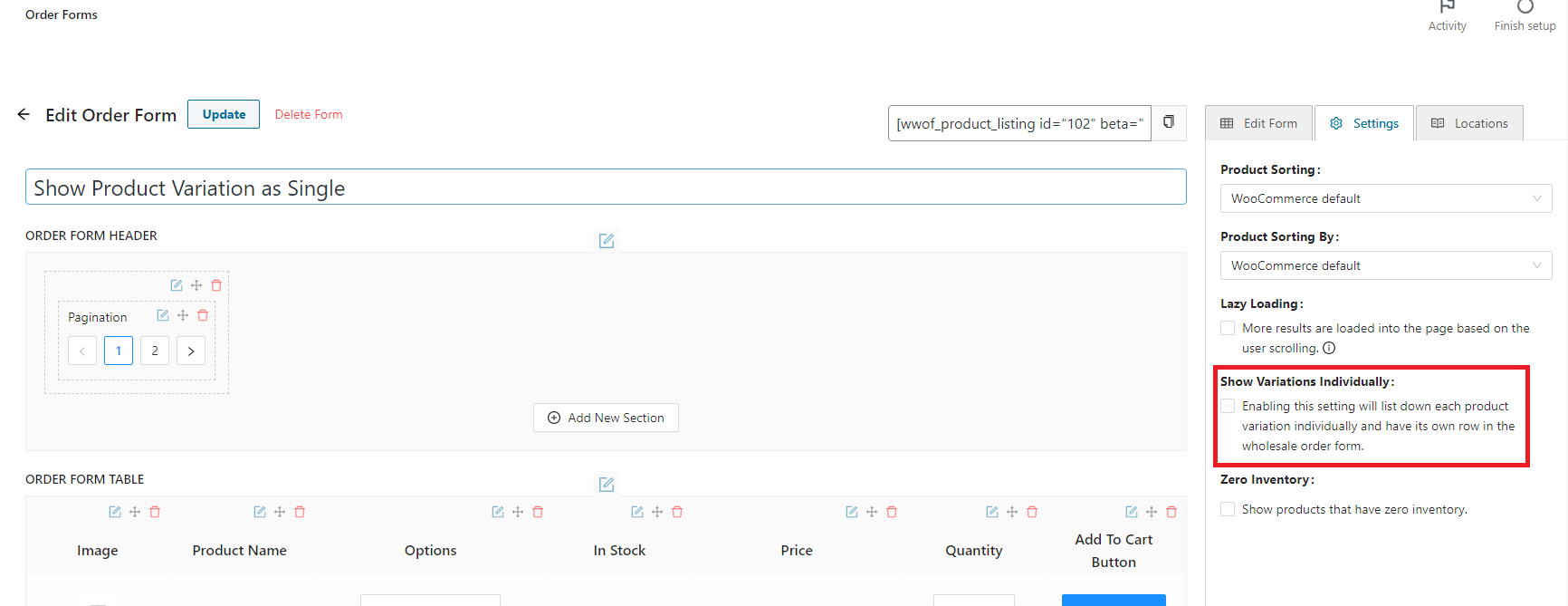
Una volta nella scheda delle impostazioni, troverai la casella di controllo "Mostra varianti individualmente". Fai clic e abilita la funzionalità.
Risultato: