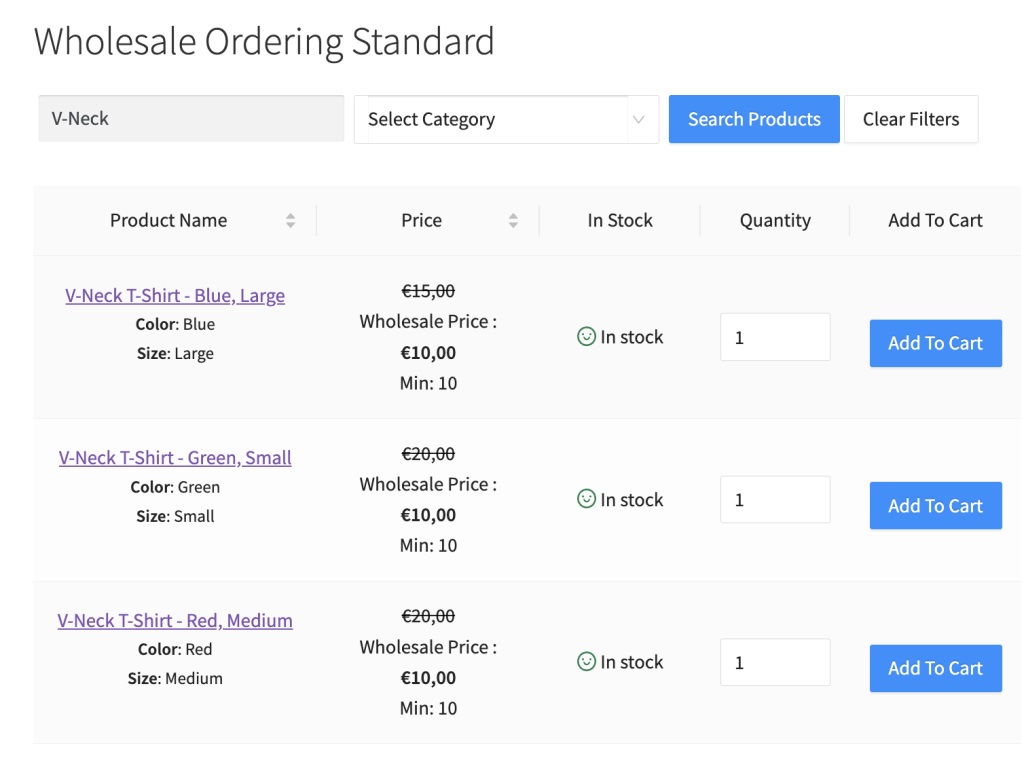
Por defecto, mostramos las variaciones de producto para los productos variables en un estilo desplegable. Creemos que esto reduciría el número de clics que su cliente necesita para agregar productos al carrito. Sin embargo, algunos dueños de tiendas quieren dar este paso aún más rápido listando sus variaciones de producto individualmente.
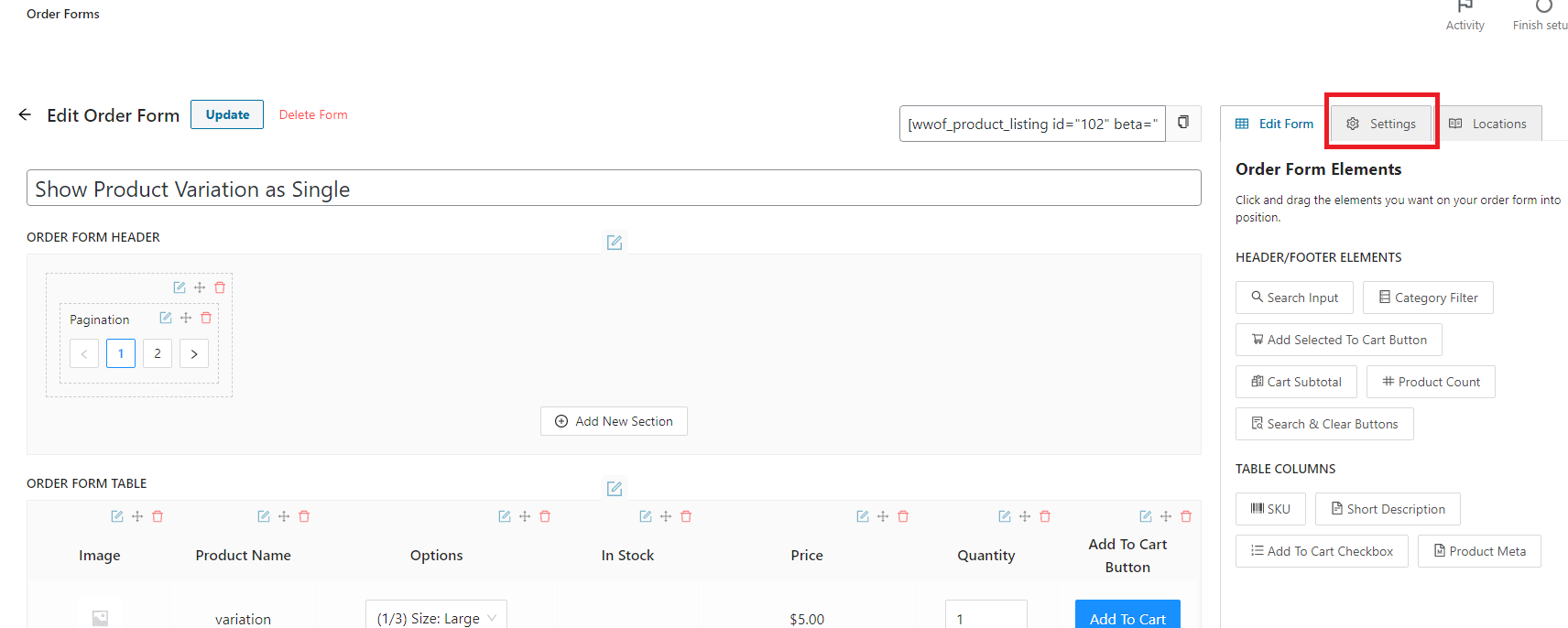
En el Formulario de Pedido, página del editor, haz clic en la pestaña Configuración que se encuentra en la parte superior derecha de la página.
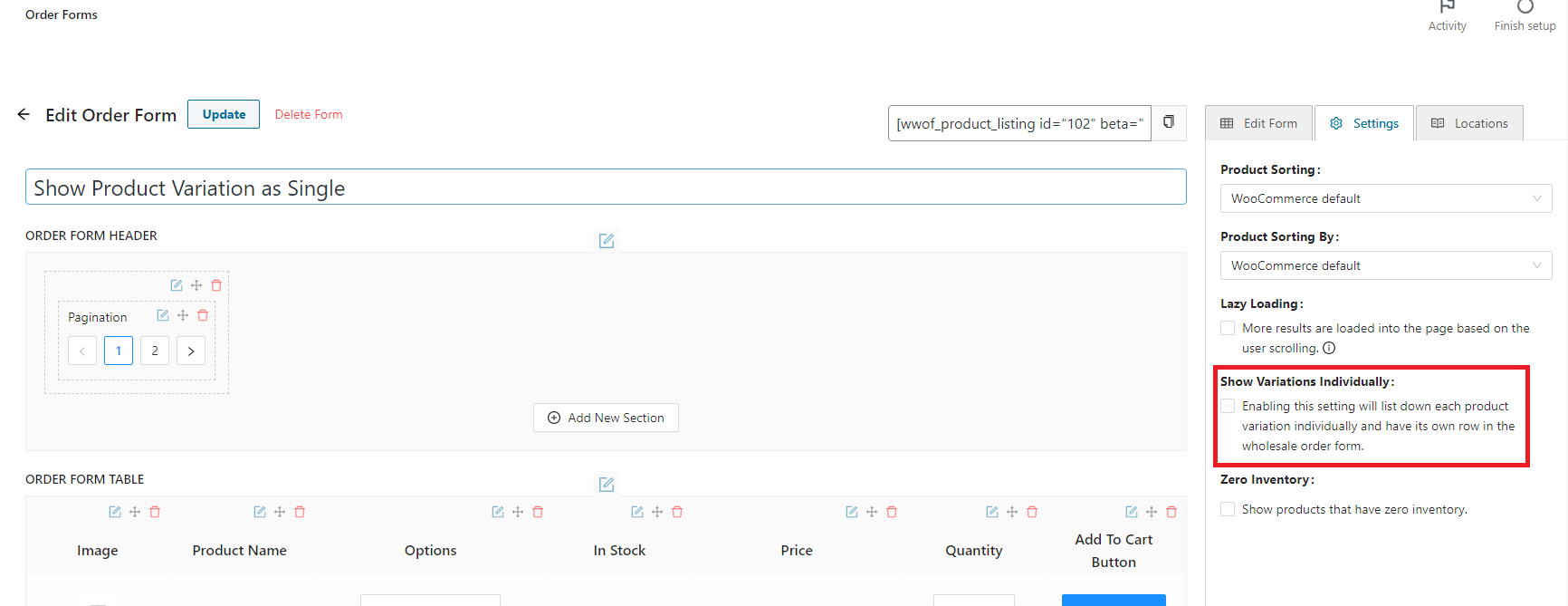
Una vez que estés en la pestaña de configuración, encontrarás la casilla de verificación “Mostrar variaciones individualmente”. Haz clic y habilita la función.
Resultado: