
Einige Shop-Besitzer möchten die Preise in ihrem Shop vor Gastbenutzern ausblenden, um sie nur für eingeloggte Kunden exklusiv zu machen, wie z. B. Ihre Großhändler.
Sie können diese Funktion aktivieren, indem Sie zu Großhandel > Einstellungen > Großhandelspreise > Preis > gehen und dann die Option „Preis und In den Warenkorb-Button ausblenden“ aktivieren. Wenn aktiviert, werden der Preis und der In den Warenkorb-Button für Besucher ausgeblendet.
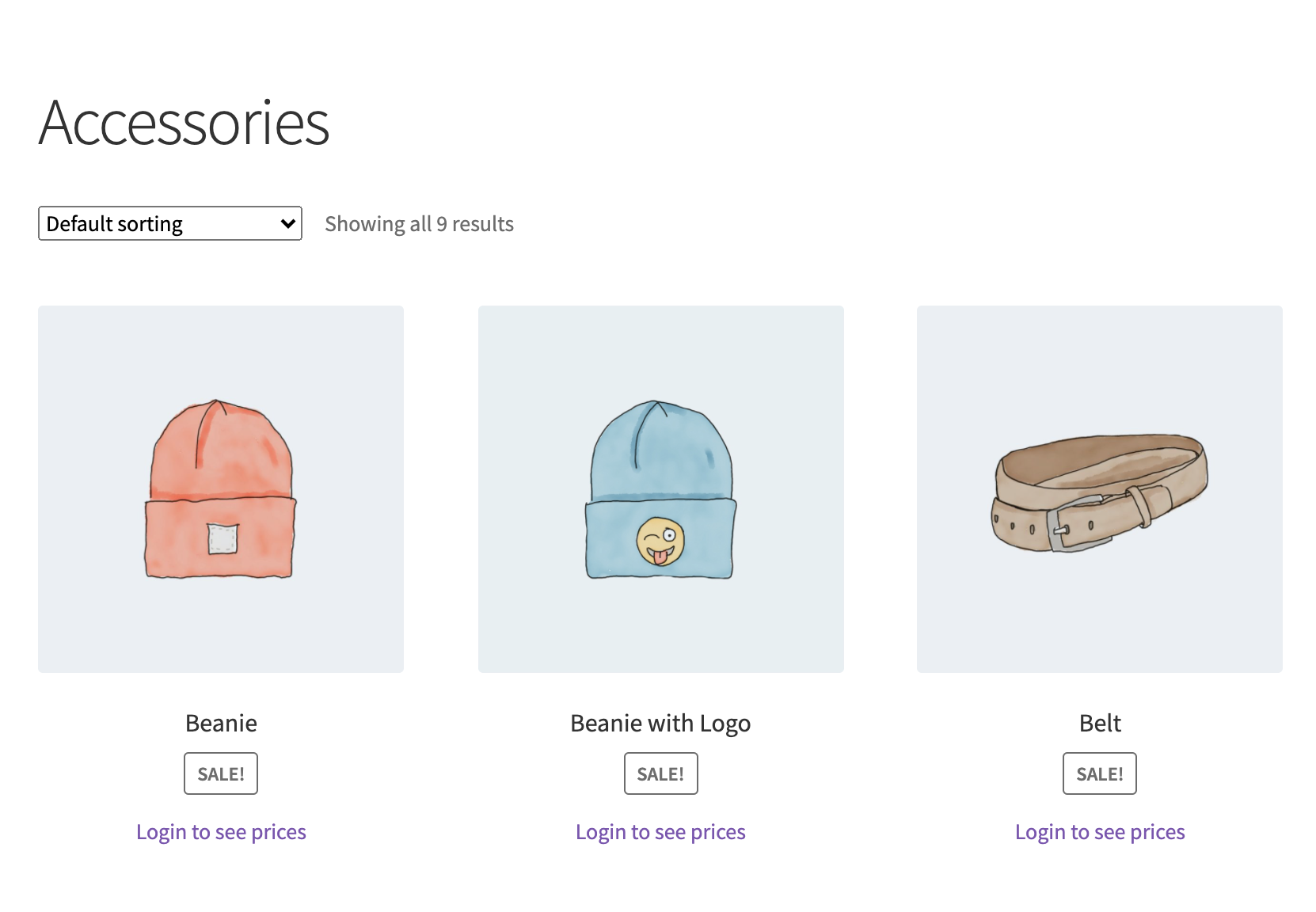
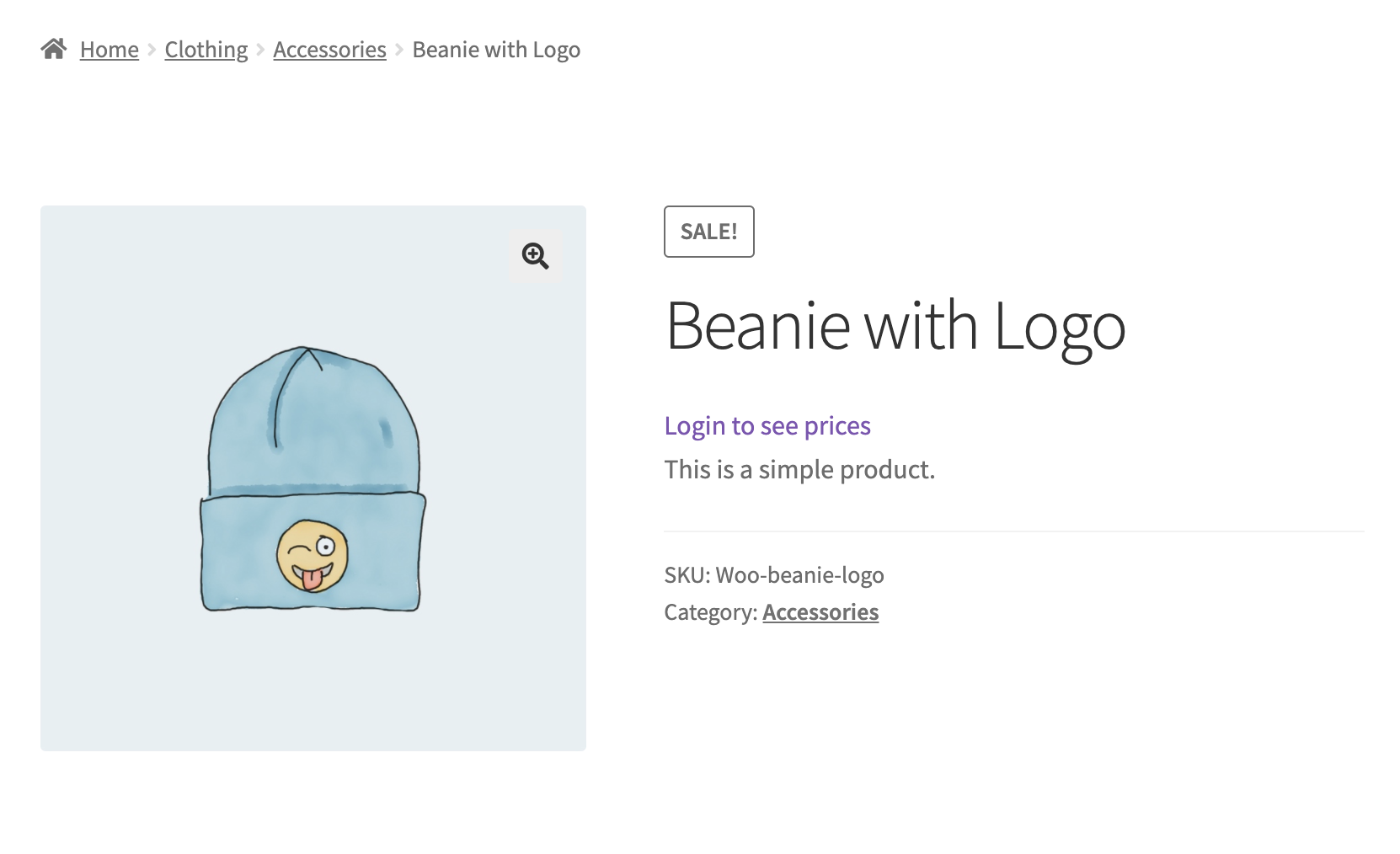
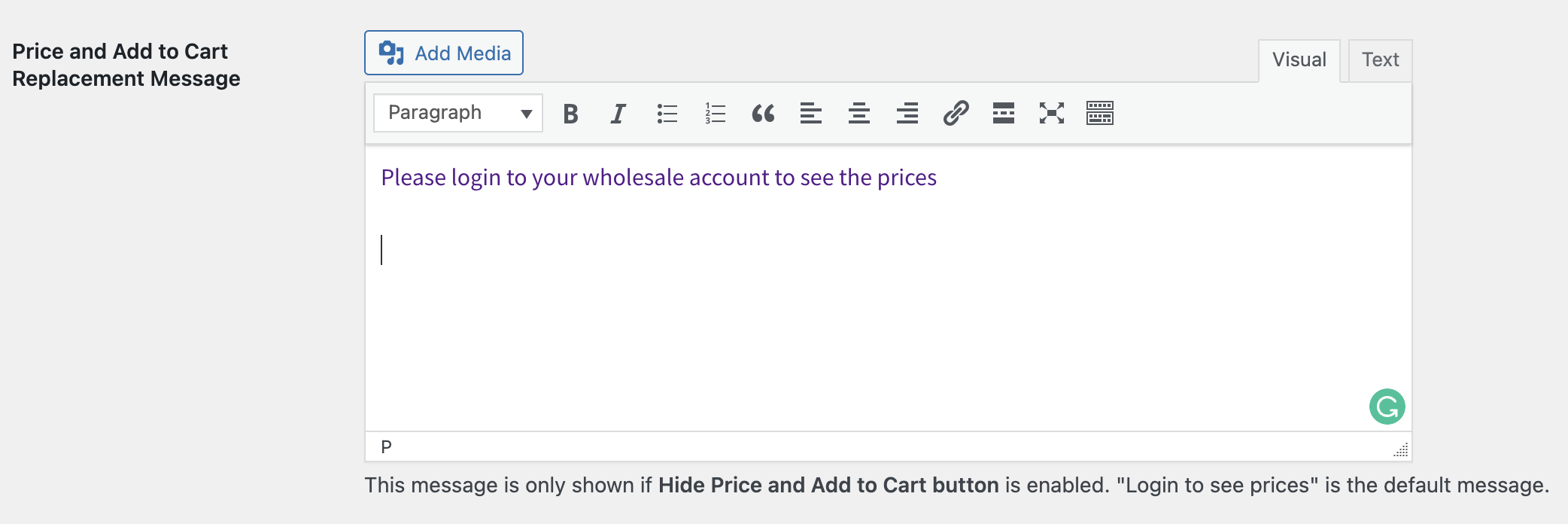
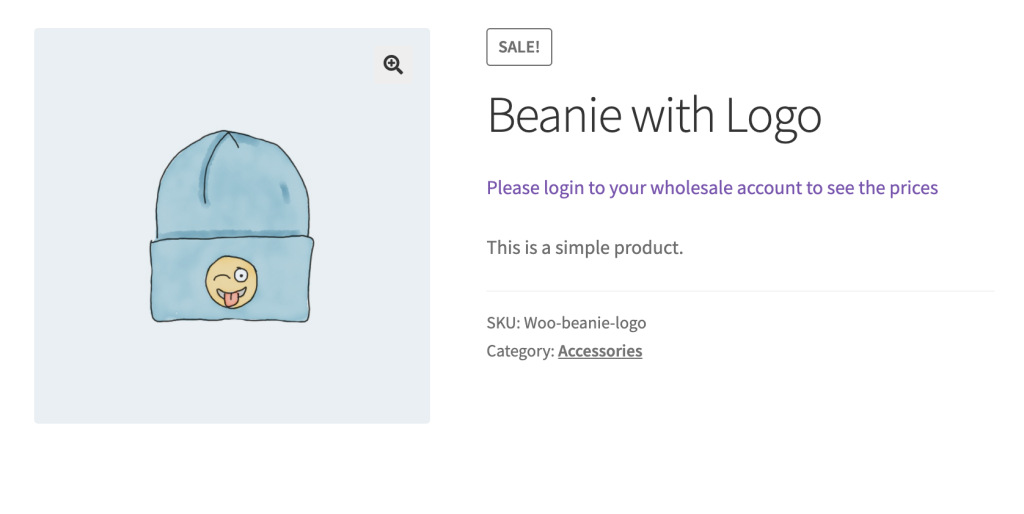
Standardmäßig wird der Text angezeigt: Melden Sie sich an, um Preise zu sehen. Wenn Sie möchten, können Sie dies in der Option Preis- und In den Warenkorb-Ersetzungstext nach Ihren Wünschen ändern. Zum Beispiel:
Häufig gestellte Fragen
Wie blende ich Preise für Gastbesucher in meinem Großhandelsgeschäft aus?
Gehen Sie dazu in Ihrem WordPress-Dashboard zu Großhandel > Einstellungen > Großhandelspreise > Preis und aktivieren Sie die Option „Preis und In den Warenkorb-Button ausblenden“. Sobald diese Option aktiviert ist, verschwinden Preise und Kaufbuttons sowohl aus der Shop-Übersicht als auch von den einzelnen Produktdetailseiten für alle, die nicht angemeldet sind. Es sind keine zusätzlichen Codes oder benutzerdefinierten Stile erforderlich.
Funktioniert das Ausblenden von Preisen für Gäste sowohl auf der Shop-Seite als auch auf einzelnen Produktseiten?
Ja. Bei Standard-WooCommerce-Themes gilt die Einstellung gleichzeitig für beide Ansichten. Besucher, die Ihren Katalog durchsuchen, und diejenigen, die direkt auf einer Produktdetailseite landen, sehen weder den Preis noch die Schaltfläche „In den Warenkorb“. Dies sorgt für ein konsistentes Erlebnis, unabhängig davon, wie ein Gast zu einem Produkt gelangt. Wenn Ihr Theme oder Page Builder den Preis mit einem benutzerdefinierten Element rendert, lesen Sie die letzte Frage unten.
Kann ich den ausgeblendeten Preis durch eine benutzerdefinierte Nachricht ersetzen, anstatt einen leeren Platz zu lassen?
Ja. Das Feld „Preis- und Warenkorb-Ersetzungsnachricht“ ermöglicht es Ihnen, den ausgeblendeten Bereich durch beliebigen Text zu ersetzen. Die Standardformulierung lautet „Einloggen, um Preise anzuzeigen“, aber Sie können diese an den Ton Ihrer Marke anpassen oder Besucher zu einem Registrierungsformular weiterleiten. Geben Sie einfach Ihre bevorzugte Nachricht in dieses Feld ein und speichern Sie.
Kann ich Preise nur für bestimmte Produkte für Gäste ausblenden?
Die Einstellung „Preis und Schaltfläche „In den Warenkorb“ ausblenden“ gilt für den gesamten Shop. Sie gilt für jedes Produkt für jeden, der nicht angemeldet ist. Daher gibt es keine integrierte Möglichkeit, Preise bei einigen Produkten auszublenden und bei anderen für Gäste anzuzeigen. Wenn Sie diese Art von Kontrolle benötigen, kann ein Entwickler den wwp_hide_price_and_add_to_cart_button Filter verwenden, um das Verhalten zu ändern. Der Filter übergibt einen einzelnen Wahr-oder-Falsch-Wert ohne Produktinformationen, sodass jede produktbezogene Logik im Filter-Callback unter Verwendung des aktuellen Produkts im Kontext hinzugefügt werden muss.
Versteckt diese Funktion Preise auch vor angemeldeten Einzelhandelskunden oder nur vor Gästen?
Im Allgemeinen richtet sich die Einstellung speziell an nicht authentifizierte Besucher. Angemeldete Kunden behalten die standardmäßige WooCommerce-Preisansicht basierend auf ihrer zugewiesenen Rolle. Wenn Sie die Preisgestaltung für bestimmte authentifizierte Gruppen weiter einschränken möchten, müssten Sie dies mit rollenbasierten Großhandelspreiskontrollen kombinieren, anstatt sich allein auf diesen Umschalter nur für Gäste zu verlassen.
Warum sind die Preise für einige Besucher immer noch sichtbar, nachdem die Ausblende-Einstellung aktiviert wurde?
Wenn die Preise nach dem Speichern der Option weiterhin angezeigt werden, bestätigen Sie zunächst, dass die Einstellung korrekt gespeichert wurde, indem Sie zu Wholesale > Settings > Wholesale Prices > Price gehen und prüfen, ob der Schalter noch aktiv ist. Ein Caching-Plugin zeigt möglicherweise auch eine ältere Version Ihrer Seiten für Besucher an. Leeren Sie daher nach der Änderung sowohl Ihren Website-Cache als auch jeden CDN-Cache. Wenn das Problem weiterhin besteht und Caching ausgeschlossen ist, prüfen Sie, ob ein anderes Plugin oder Theme Preisdaten unabhängig von den Standard-Hooks von WooCommerce ausgibt.
Der Preis wird Gästen auf einer einzelnen Produktseite immer noch angezeigt. Warum?
Wenn Preise auf Ihren Shop- und Kategorieseiten ausgeblendet sind, aber auf einer einzelnen Produktseite immer noch ein Preis angezeigt wird, zeigt Ihr Theme oder Page Builder den Preis höchstwahrscheinlich mit einem eigenen Element an, das direkt die wc_price()-Funktion von WooCommerce aufruft, anstatt des Standard-Produktpreises von WooCommerce. Die Einstellung „Preis ausblenden“ funktioniert, indem sie die Standard-Preisausgabe von WooCommerce steuert. Ein benutzerdefiniertes Element, das den Preis auf andere Weise rendert, wird daher nicht davon abgedeckt. Um dies zu beheben, stellen Sie das Theme oder den Page Builder so ein, dass der Preis über die Standard-Preisausgabe von WooCommerce (get_price_html()) angezeigt wird, oder fügen Sie einen kleinen Codeausschnitt hinzu, der das benutzerdefinierte Preiselement für abgemeldete Besucher ausblendet. Wenn Sie nicht sicher sind, wie das geht, kann Ihr Theme-Entwickler das Preiselement auf die Standard-Preisausgabe von WooCommerce verweisen.
Benötigen Sie Hilfe?
Wenn Sie eine Frage haben oder auf Probleme stoßen, sind wir für Sie da.
- Premium-Benutzer: Support-Ticket eröffnen
- Kostenlose Benutzer: Besuchen Sie unser Community-Forum

