


Setting up a WooCommerce request a quote workflow for your wholesale store is one of the most common questions I get from store owners. When wholesale customers need negotiated pricing on large orders, having a proper WooCommerce request a quote system in place makes the difference between capturing the sale and losing it to a competitor.
After testing multiple approaches — third-party quote plugins, custom-coded solutions, and built-in tools — I found that the most seamless WooCommerce request a quote experience comes from keeping everything within one ecosystem. That’s exactly what Wholesale Suite’s own Wholesale Quotes plugin delivers.
According to Experro’s B2B ecommerce statistics, the global B2B ecommerce market is estimated at $32.11 trillion in 2025, and quote workflows are a critical component of how that commerce happens.
Here’s the thing: WooCommerce request a quote functionality is standard in B2B commerce. Large orders often require negotiated pricing, and wholesale buyers expect to request custom quotes before committing. The good news is that if you’re already using Wholesale Suite, you have a purpose-built solution ready to go.
I’ll walk you through everything — why you need it, how to set it up, and how to get the most out of your WooCommerce request a quote wholesale workflow.
Why Wholesale Stores Need Quote Functionality
Large wholesale orders, especially first-time orders or seasonal bulk purchases, rarely follow fixed pricing. A buyer ordering 5,000 units expects to negotiate. A new customer testing a supplier wants to know if pricing is flexible.
A proper WooCommerce request a quote workflow captures sales opportunities that a standard “Add to Cart” button misses. When a buyer isn’t ready to commit at the listed prices, an “Add to Quote” button offers a low-friction alternative to leaving your site entirely.
According to Harvard Business Review, companies that respond to online leads within an hour are 7 times more likely to qualify the lead compared to those that respond even an hour later. (Note: This 2011 study focused on online sales leads broadly, not quote requests specifically, but the speed-of-response principle applies directly to B2B quote workflows.) A structured WooCommerce request a quote workflow ensures no request falls through the cracks.
Quote requests also build buyer relationships. The back-and-forth negotiation creates a personal connection that fixed-price checkout can’t replicate — especially important for high-value wholesale accounts.
WooCommerce request a quote functionality helps you:
- Protect your margins by negotiating case-by-case instead of listing a single low price publicly
- Capture leads from price-sensitive buyers who would otherwise bounce without purchasing
- Gather valuable market intelligence on what quantities and pricing buyers expect
- Upsell and cross-sell during the quote negotiation process
Your Options For WooCommerce Quote Workflows
Option 1: Wholesale Quotes by Wholesale Suite (best overall)
This is the approach I recommend for most stores running Wholesale Suite: use Wholesale Quotes, the dedicated WooCommerce request a quote plugin built specifically to work within the Wholesale Suite ecosystem.
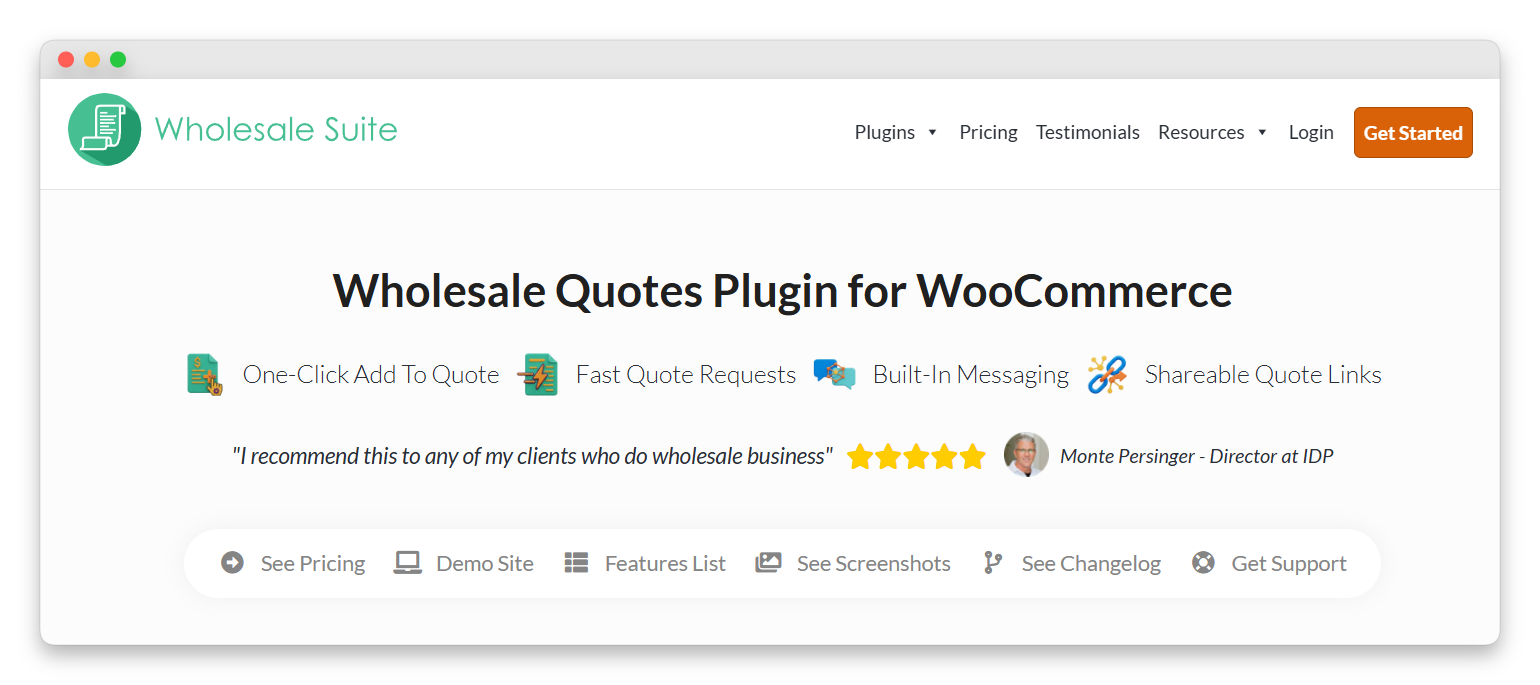
Because Wholesale Quotes is built by the same team behind Wholesale Suite, the integration is native — not bolted on. It shares the same role system, respects your wholesale pricing tiers, and feeds directly into Wholesale Suite’s order and payment workflows, including NET terms through Wholesale Payments.
Key features of Wholesale Quotes include:
- “Add to Quote” buttons on product pages, displayed alongside or instead of “Add to Cart”
- Role-based quote visibility — show quote buttons only to specific wholesale tiers
- Full quote management dashboard for admins to review, adjust pricing, and respond to requests
- Quote-to-order conversion that feeds directly into WooCommerce’s standard order flow
- Email notifications for every stage of the quote lifecycle
- Seamless integration with Wholesale Prices Premium, Wholesale Order Form, and Wholesale Payments
The biggest advantage here is that you don’t need to worry about compatibility issues. Wholesale Quotes was designed from the ground up to work with your existing Wholesale Suite setup — same roles, same pricing logic, same checkout flow.
Option 2: Third-party quote plugins
If you prefer a third-party WooCommerce request a quote solution, there are several plugins that can work:
- YITH Request a Quote: The most popular option with over 1 million installs. Full quote management with email notifications and quote-to-order conversion. It works alongside Wholesale Suite without conflicts, though the integration isn’t as seamless as a native solution.
- Plugin Republic Request a Quote: A lighter-weight alternative with fewer features but simpler configuration. Good for stores that need basic quoting without complexity.
- ELEX WooCommerce Request a Quote: A middle-ground option with form customization, PDF quote generation, and email templates.
While these third-party plugins are functional, they require you to manage two separate plugin ecosystems — two licenses, two support channels, and potential compatibility considerations with each update.
Option 3: All-in-one plugins with built-in quoting
Some all-in-one B2B plugins include built-in WooCommerce request a quote functionality. The convenience is real: one plugin, one license, one support channel.
But there’s a trade-off. When I tested built-in quoting in all-in-one plugins, the quote features were functional but basic. And more importantly, the wholesale pricing engines, order forms, and payment features in these all-in-one plugins often weren’t as robust as Wholesale Suite’s dedicated tools.
WooCommerce Request A Quote Wholesale Setup: Step-By-Step With Wholesale Quotes
Here’s the exact process to set up a complete WooCommerce request a quote workflow using Wholesale Quotes:
Step 1: Install Wholesale Quotes
First, make sure you have Wholesale Prices installed and configured with your wholesale roles and pricing. Then install and activate Wholesale Quotes.
Because Wholesale Quotes is part of the Wholesale Suite family, it automatically detects your existing wholesale roles, pricing tiers, and product settings.
Step 2: Let customers build a quote while browsing
Once Wholesale Quotes is activated, your customers can click the “Add to Quote” button directly from your shop pages and product pages. Instead of emailing you a list of items, they build the WooCommerce request a quote while they shop.
Step 3: Configure quote drafts
Many B2B buyers don’t finish in one sitting. They might build a list now, pause to confirm their budget, then come back later. Wholesale Quotes stores WooCommerce request a quote submissions as drafts until the customer formally submits, matching real B2B buying behavior.
Customers can also adjust quantities on eligible quotes (those with Pending or Expired statuses), and updates save automatically after a short delay. This is especially helpful for quotes with many line items.
Step 4: Set up in-quote messaging for negotiations
Instead of having the WooCommerce request a quote conversation scattered across email threads, you and your customer can message each other inside the quote itself. The items and the messages stay together, so you never lose context about what changed and why.
Messages can also trigger email notifications, so you still get alerted when the customer replies. You can set a per-hour message limit for customers to prevent spammy behavior while keeping the conversation practical. You can even control whether messaging remains enabled for Declined or Converted quotes — useful when questions arise after a decision.
Step 5: Enable quote sharing for approvals
In B2B, the person requesting a quote often isn’t the one who approves the purchase. Wholesale Quotes makes this easy by generating a public view link with a secure token for each WooCommerce request a quote submission. Anyone with the link can view the quote without logging in — perfect for forwarding to a manager, purchasing team, or accounting department.
The quote owner retains access to management actions, while other viewers get read-only access. Quote emails also include the view link, so buyers can return to the correct quote directly from their inbox.
Step 6: Configure guest quotes (optional)
Not every buyer wants to create an account just to get pricing. When guest quotes are enabled, a buyer can start a WooCommerce request a quote without logging in. The system asks for an email address so the quote still connects to the right person.
To keep spam under control, Wholesale Quotes includes guest quote rate limiting. You can set how many quotes a guest can submit within a specific time period and choose to track by IP address and email. Real buyers can still request quotes without friction, while spam gets filtered out.
Step 7: Quote-to-order conversion
This is where the native Wholesale Suite integration really shines. When everyone agrees on the pricing, you convert the approved quote directly into a WooCommerce order using the items and quantities that were already confirmed. No re-entering products, no manual order creation.
Wholesale Quotes can also collect billing and shipping addresses during the quote process, so you already have those details when it’s time to create the order. And if the buyer has NET terms through Wholesale Payments, they can choose to pay later at checkout — all within the same seamless workflow.
Advanced WooCommerce Request A Quote Workflow Tips
Quote-only products
For custom or high-value items, hide the “Add to Cart” button entirely and show only “Add to Quote.” This forces negotiation on items where fixed pricing doesn’t make sense.
Different quote rules per wholesale tier
Your top-tier wholesale customers might not need to quote — they already get the best pricing automatically through Wholesale Prices Premium. Lower tiers might need to request a quote for orders above a certain threshold. Configure role-based visibility to match your sales strategy.
Use in-quote messaging to upsell
When a customer submits a WooCommerce request a quote for 100 units of Product A, use the in-quote messaging feature to suggest Product B as a complement. The conversation stays inside the quote, so the context is never lost.
Leverage guest quotes for lead generation
Enable guest quoting to capture potential wholesale buyers who aren’t ready to register yet. Their email address is collected with the quote, giving your sales team a warm lead to follow up on.
Pair WooCommerce request a quote with Wholesale Order Form
For buyers who need to quote large, multi-product orders, the Wholesale Order Form lets them add dozens of products to their quote list quickly — far faster than browsing product pages one by one.
Set quote expiration dates
Don’t leave quotes open indefinitely. Quotes with Expired status still allow customers to adjust quantities and resubmit, but the expiration creates healthy urgency in the negotiation process.
Wholesale Quotes Vs Third-Party Quote Plugins: Honest Comparison
| Factor | Wholesale Quotes (Wholesale Suite) | Third-Party Quote Plugin |
|---|---|---|
| Setup Time | Fast (native integration) | Slightly longer (configuration + compatibility checks) |
| Integration with Wholesale Pricing | Native, seamless | Works but not purpose-built |
| Integration with Wholesale Payments / NET Terms | Native, seamless | Requires testing, may need workarounds |
| In-Quote Messaging | ✓ Built-in | Varies |
| Quote Sharing / Public Links | ✓ Secure token-based links | Varies |
| Guest Quote Support | ✓ With rate limiting | Varies |
| Quote Drafts / Auto-Save | ✓ | Varies |
| Admin Multi-Field Search | ✓ | Basic search |
| Customer My Account Quotes Page | ✓ | Varies |
| Number of Plugins to Manage | One ecosystem | Two separate ecosystems |
| Support | One vendor, one support channel | Two vendors, two support channels |
| Update Compatibility | Guaranteed (same team) | Generally good, not guaranteed |
| Cost | Included in Wholesale Suite bundle | Additional license cost |
If you’re setting up a new wholesale store, or if you’re tired of managing multiple plugin vendors and worrying about compatibility after updates, Wholesale Quotes gives you a cleaner, more integrated experience.
Conclusion
A WooCommerce request a quote workflow is a standard expectation in B2B commerce. With Wholesale Quotes, Wholesale Suite gives you a purpose-built solution that integrates natively with your wholesale pricing, ordering, and payment workflows — no compatibility worries, no juggling multiple plugin vendors.
- WooCommerce request a quote functionality
- Options for WooCommerce request a quote workflows
- Step-by-step with Wholesale Quotes
- Workflow Tips
Whether you’re setting up your first wholesale store or looking to streamline an existing WooCommerce request a quote process, Wholesale Quotes covers the full lifecycle from product browsing to quote negotiation to order fulfillment.
Get started with the full Wholesale Suite Bundle or check out all Wholesale Suite integrations to see how it works with other tools in your WooCommerce stack.



