

How are you managing your payments right now, especially as orders keep coming in from different channels? For many growing businesses, invoicing used to feel simple. Someone created an invoice, sent it by email, and waited for payment. However, once order volume increased, that process started to break down. This is where an automated invoicing system enters the conversation.
When invoices are created and submitted manually, payment timelines stretch longer than expected. This becomes more obvious in e-commerce and wholesale setups where order volume is higher, and payment terms vary. Over time, these delays affect planning and make it harder to predict incoming revenue. Therefore, many businesses start looking for a better way to handle invoice creation and payment tracking.
This article explains what an automated invoicing system is, how it works, and why many ecommerce and wholesale businesses choose it over manual methods. More importantly, it shows how automation fits into real workflows, so invoicing feels more manageable.
Let’s discuss these one by one.
What Is An Automated Invoicing System?
An automated invoicing system is a setup in which invoices are created and sent without someone performing each step by hand. Instead of typing invoice details one by one, the system pulls information from orders, customer records, and payment rules. As a result, invoices are generated on time and follow the same format.
In simple terms, automation removes repeated manual work. Once an order is placed or approved, the invoice is created automatically.
How automation replaces manual invoice creation
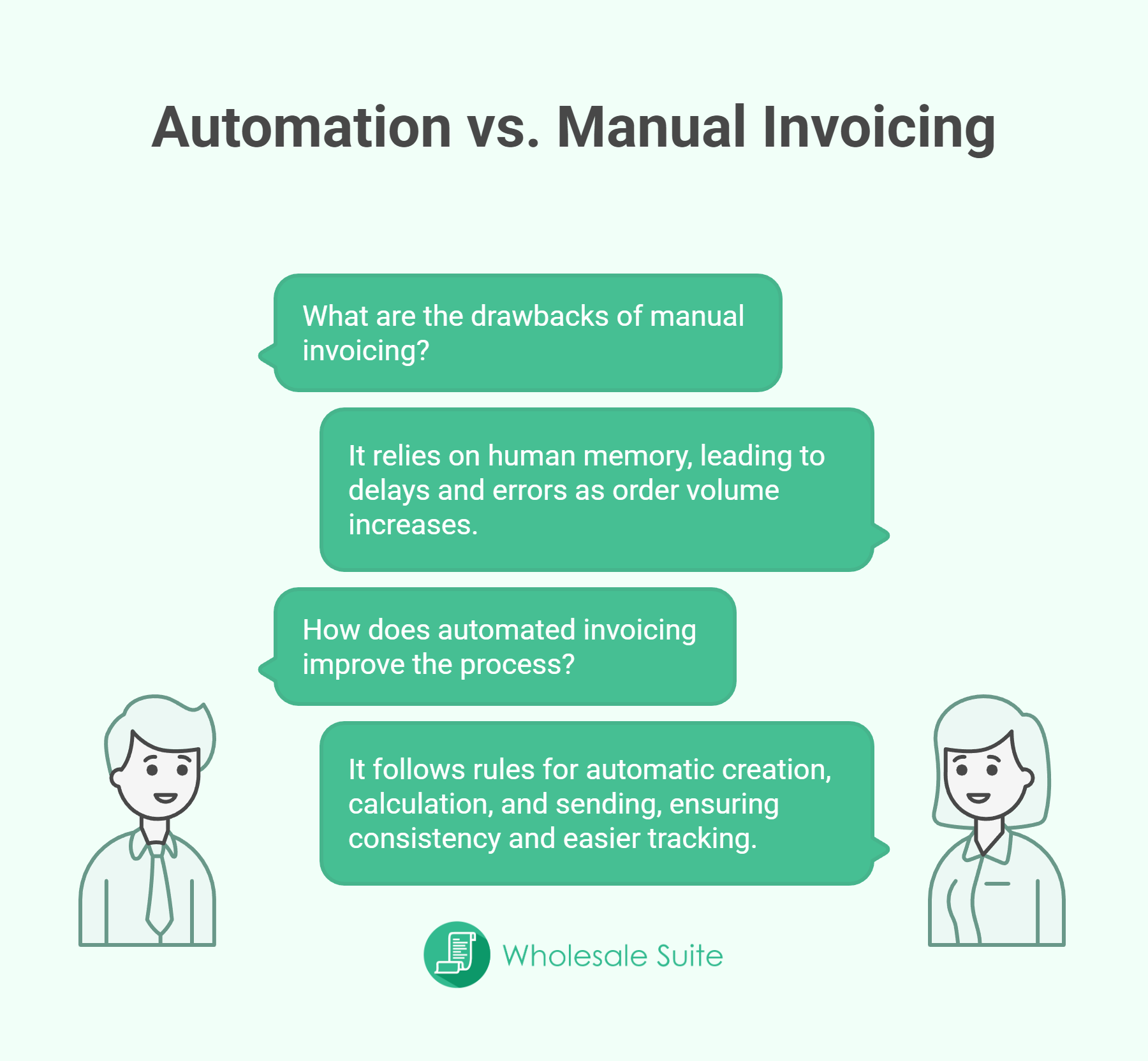
Manual invoicing depends on people remembering what to do next. Someone needs to check the order, create the invoice, confirm the numbers, and send it out. When volume is low, this might work. However, once orders increase, delays and errors become common.
With an automated invoicing system, those steps happen based on rules. For example, an invoice can be created as soon as an order is completed or approved. Totals, taxes, and discounts are calculated automatically. Because of this, invoice processing becomes more consistent and easier to track.
How To Choose The Right Automated Invoicing System
Business size and invoice volume
The first thing to look at is how many invoices your business sends each month. A small store with a few orders may survive with basic tools for a while. More orders mean more chances for missed invoices, late sending, and payment delays.
An automated invoicing system helps when volume becomes harder to manage by hand. It keeps invoice creation consistent even as the order count grows. Therefore, choosing a system that matches your current size and future growth helps prevent switching tools too often.
You may also read about: How To Offer WooCommerce Invoice Payments To Wholesale Customers.
Payment terms and customer types
Next, think about how your customers pay. Some pay right away, while others use NET terms or scheduled billing. The system you choose should support different billing rules. Invoice automation works best when payment terms are applied automatically. This removes the need to remember which customer pays when. Over time, this makes invoice processing feel more organized and less stressful.
Integration with ecommerce and wholesale workflows
Finally, the system should fit naturally into how your store already works. If you use ecommerce platforms or manage wholesale orders, invoicing should connect directly to those workflows. When invoices pull data from orders, the process stays accurate.
Choosing an automated invoicing system that connects with your sales and order tools reduces duplicate work. As a result, invoicing software becomes part of daily operations instead of a separate task that needs extra attention.
Bonus Tip: To maximize these efficiency gains, consider a broader AI system integration strategy. Connecting your invoicing with AI-driven data processing ensures your entire backend scales seamlessly as order complexity increases.
📝 Wholesale Suite includes Wholesale Payments, which can handle automated invoice processing for wholesale orders. This means invoices can be generated automatically based on order activity and payment terms, without relying on extra plugins or manual steps.
How To Set Up An Automated Invoicing System In Wholesale Payments
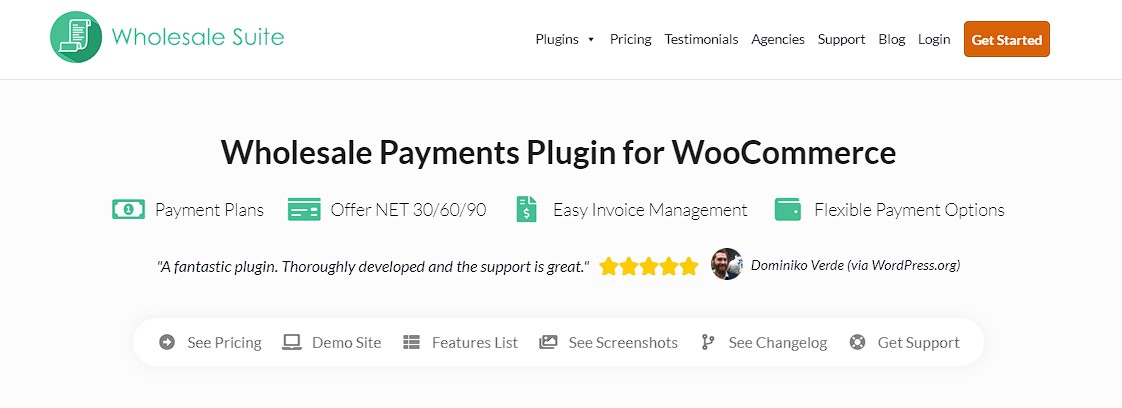
Wholesale Payments is built to handle invoicing and payment workflows for wholesale and marketplace transactions inside WooCommerce. Instead of creating invoices manually, it connects orders, payment terms, and invoices in one place. This makes billing easier to manage as order volume grows.
Once Wholesale Payments is active, you can set up automated invoicing using these few simple steps.
📝 Make sure you have Wholesale Payments installed for you to do the following steps!
Step 1: Review invoices & enable automatic invoice creation
Decide when invoices are triggered for wholesale orders. Turn on automatic invoices in Wholesale Payments. Invoices are generated as soon as orders meet your defined conditions.
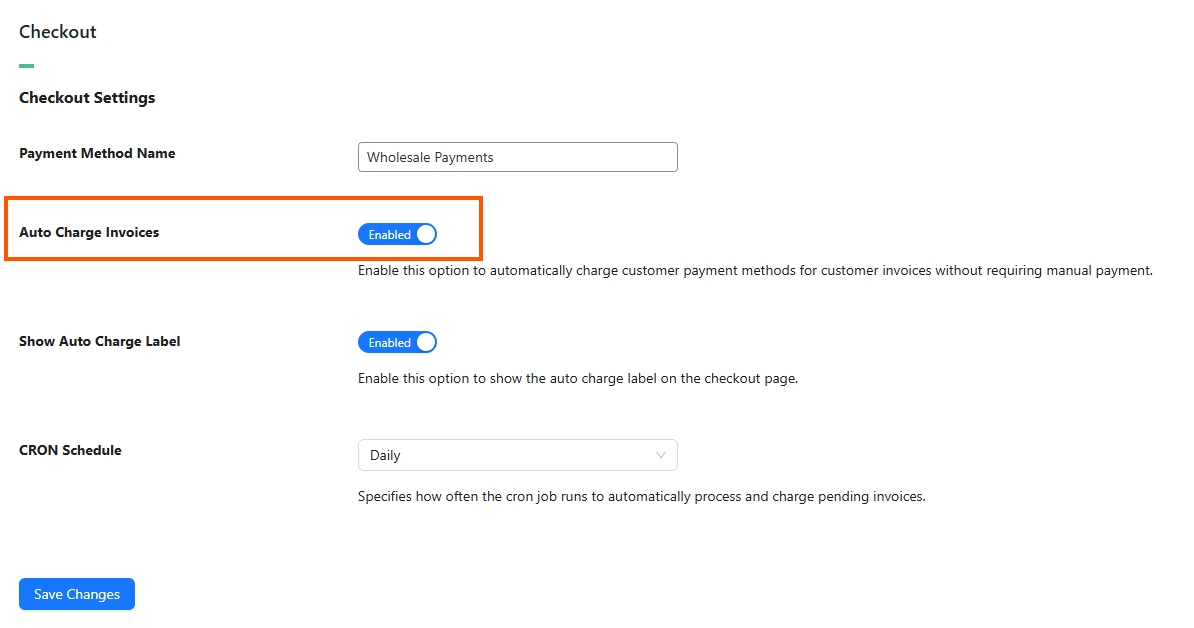
Step 2: Assign payment terms & activate auto charge
Set NET terms or payment rules for wholesale customers. Due dates and invoice details should match how your buyers normally pay. Once done, you can turn on the auto-charge option, which will appear automatically on the checkout page.
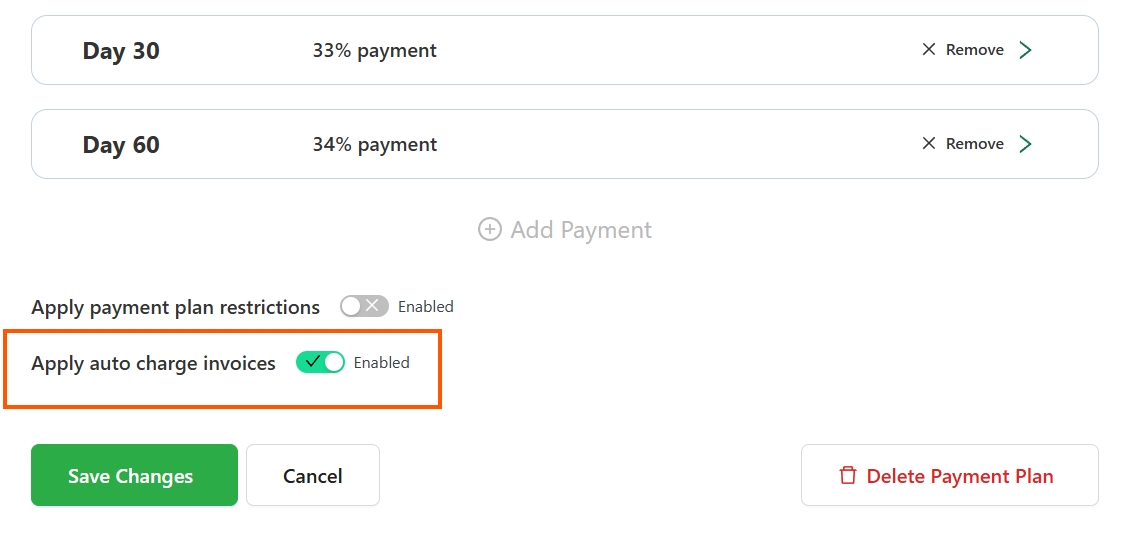
Step 3: Test, inform your customers & monitor your plans
Place test orders to confirm invoices are created correctly and totals appear as expected. Let customers know when invoices are sent, how payments work, and where they can view invoices in their account. Review paid and unpaid invoices regularly. Adjust rules or terms as your wholesale activity increases.
Here’s a real breakdown on how auto charge process works in Wholesale Payments: Send Automatic Invoices To Wholesale Customers.
Why Businesses Switch To Automated Invoicing Systems
Reduced billing errors
One of the first reasons businesses move away from manual invoicing is error fatigue. Numbers get typed wrong, discounts are missed, or customer details are outdated. Over time, these errors lead to payment delays and uncomfortable follow-ups.
Forbes highlights that technology adoption — including automated accounts payable/receivable workflows — helps companies scale the number of invoices they process (e.g., one case went from 100 to 300 invoices per day after automation).
With an automated invoicing system, most of this risk is removed. Invoice details are pulled directly from orders and customer records. Because the data stays consistent, invoices match what customers expect to see. As a result, disputes drop, and billing feels more predictable.
Faster payments
Payment speed often depends on how fast invoices go out. When invoices are delayed, payments are delayed too. This is common when someone waits until the end of the day or week to send invoices.
Automation changes that pattern. Invoices are created as soon as orders meet the right conditions. Customers receive them right away, which sets clear expectations. Therefore, payment timelines improve and cash flow becomes easier to track.
Support for recurring and delayed payments
Many ecommerce and wholesale businesses do not rely on instant payments alone. Some customers pay on repeat schedules, while others use NET terms. Managing these setups manually takes time and attention.
An automated invoicing system supports these billing styles by applying rules instead of reminders. Invoices are created with the correct due dates and payment terms. Because of this, recurring billing and delayed payments feel organized instead of confusing. Finance teams can focus on review instead of constant checking.
Time savings for finance and operations teams
Finally, automation gives teams back their time. Instead of creating and sending invoices one by one, staff can review reports and track payments at a higher level. This shift reduces admin work and lowers stress during busy periods.
Over time, these time savings add up. Teams spend less energy fixing billing issues and more time understanding their numbers. For growing businesses, this balance makes invoicing feel manageable even as order volume increases.
Conclusion
If you have ever managed invoices late at night or chased payments that should have been settled weeks ago, then you already understand the pressure manual billing creates. From working with ecommerce sellers and wholesale operators, the pattern is always the same. As orders grow, manual invoicing starts to crack under the strain. An automated invoicing system helps!
Here’s a quick summary on what we discussed in our article:
- What is an automated invoicing system
- Choosing the right automated invoicing system
- Automated invoicing system in wholesale payments
- Why businesses switch to automated invoicing systems
I have seen teams try to hold on to manual invoicing longer than they should. At first, they think the extra effort is manageable. However, once wholesale orders, payment terms, and repeat customers enter the picture, the workload increases fast. This is where an automated invoicing system changes daily operations. Invoices go out on time, payment expectations are clear, and finance teams finally see a steady rhythm instead of constant follow-ups.
For ecommerce and wholesale businesses that want better control, automation is not about speed alone. It is about clarity and confidence. When invoices reflect real orders and payment terms without extra steps, teams spend less time fixing mistakes.
In practice, an automated invoicing system works best when paired with tools like Wholesale Payments that connect orders, invoices, and payments in one place. If billing already feels heavy today, then an automated invoicing system is often the next logical step toward smoother operations.
Frequently Asked Questions
What is an automated invoicing system and how does it work?
An automated invoicing system is a setup that creates and sends invoices automatically by pulling information from orders, customer records, and payment rules, eliminating the need for manual entry.
How does automation replace manual invoice creation?
Automation replaces manual invoice creation by following predefined rules that trigger invoice generation based on order status, ensuring consistency and reducing delays and errors.
How do I choose the right automated invoicing system for my business?
Choose a system that matches your business size and invoice volume, supports your payment terms and customer types, and integrates seamlessly with your ecommerce or wholesale workflows.
What are the benefits of switching to an automated invoicing system?
Switching to automation reduces billing errors, speeds up payments, supports recurring and delayed payments, and saves time for finance teams, making invoicing more predictable and manageable.
How can I set up an automated invoicing system in Wholesale Payments?
You start by reviewing and enabling automatic invoice creation in Wholesale Payments, set payment terms, and activate auto charge, then test the process and monitor your plans regularly.



