
Black Friday lands on November 27, 2026, with Cyber Monday following on November 30. For wholesale businesses on WooCommerce, the weeks before that weekend are when the right tools pay for themselves. A solid Black Friday toolkit lets you set special B2B pricing, launch offers on schedule, capture new accounts and see what is working while the sale is still running.
The stakes keep rising. Adobe reported $44.2 billion in U.S. online spending across Cyber Week 2025, up 7.7% year over year. Salesforce’s data shows AI and agents influenced 20% of global orders that week, and mobile devices drove 70% of online orders. Your retail customers feel that pressure, and they expect their suppliers to be just as easy to buy from.
This guide covers 10 tools for your B2B Black Friday toolkit, grouped by the job they do: wholesale pricing and ordering, offers and promotions, conversion, and measurement. Every tool below is actively maintained in 2026. Once your stack is ready, pair it with our list of Black Friday sale ideas for wholesalers to decide what you will actually offer.
Must-Have Tools For Your B2B Black Friday Toolkit
A wholesale store has needs that a typical retail Black Friday toolkit misses: pricing by customer role, bulk ordering, account approvals and payment terms. Start with those foundations, then add tools for promotion and analysis.
1. Wholesale Suite
Wholesale Suite is a set of four WooCommerce plugins built for selling to B2B customers. Together they handle the parts of a Black Friday toolkit that are unique to wholesale.
Wholesale Prices Premium. This plugin lets you create unlimited wholesale roles and price them separately with fixed prices, global or category percentage discounts, and quantity-based tiered pricing. For Black Friday, the scheduled Wholesale Sale Price field is especially handy: set a start and end date and the offer switches on and off by itself. You can also restrict products to wholesale roles, set minimum order requirements and map shipping methods to specific roles. A free WooCommerce Wholesale Prices plugin covers basic wholesale pricing if you are just starting out.
Wholesale Order Form. Bulk buyers don’t want to click through dozens of product pages. Wholesale Order Form puts your products, quantities and add-to-cart controls on one fast order page, with search and category filters. You can build a separate form just for your Black Friday range and restrict who can see it.
Wholesale Lead Capture. Black Friday traffic brings new businesses to your site. This plugin adds a wholesale registration form and a leads dashboard where you can approve, reject or bulk-process applications, so new buyers can get set up before the sale starts.
Wholesale Payments. Retailers are short on cash in November because they are paying for holiday stock before they sell it. With this plugin, buyers can pay on terms through Stripe, with Net 30, 60 or 90 plans, deposits or custom instalments. It can auto-charge a saved card when each payment is due, apply credit limits and hold new orders when an account has overdue invoices.
2. Advanced Coupons
Coupons are one of the simplest ways to create a Black Friday offer without touching your price list. Advanced Coupons, from the same team behind Wholesale Suite, extends the default WooCommerce coupon system with features wholesale sellers can actually use.
The free version, also available on WordPress.org, includes:
- Cart conditions: apply a coupon only when rules are met, such as cart subtotal, cart quantity or user role.
- Role restrictions: limit a coupon to wholesale roles, or exclude them.
- BOGO deals: a buy-one-get-one coupon type.
- URL coupons: links that apply a coupon automatically when clicked.
- Scheduling: set start and end dates down to the hour.
- Store credit: issue and manage customer credit balances.
The premium version adds auto-apply coupons, one-click apply notices, advanced BOGO rules across products and categories, and extra cart conditions such as total customer spend and shipping zone.
3. OptinMonster
Your offers only work if buyers see them. OptinMonster helps you show the right message to the right visitor at the right time, without writing code.
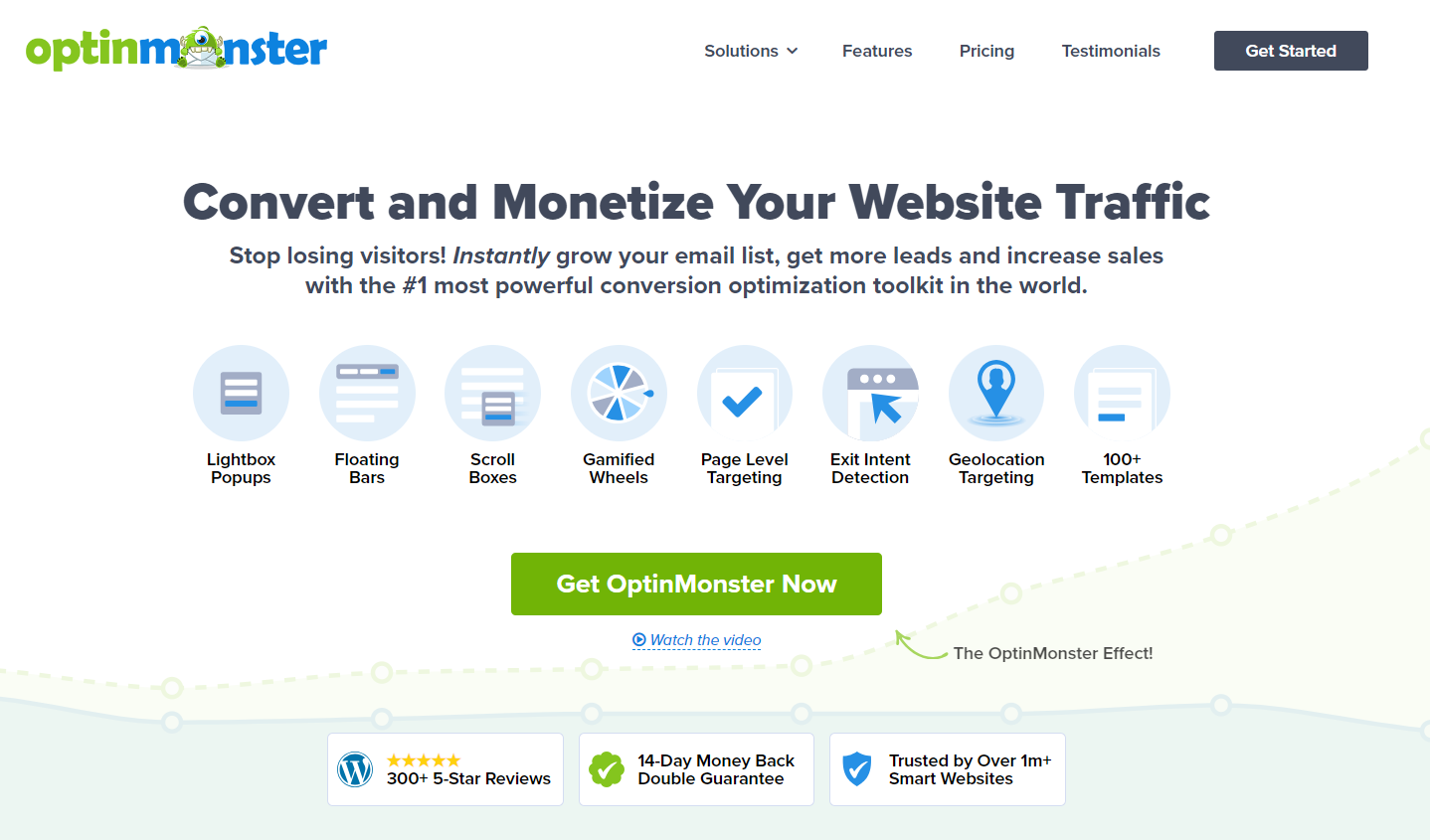
With OptinMonster in your Black Friday toolkit, you get:
- Drag-and-drop builder with templates for popups, floating bars, fullscreen welcome gates, slide-ins, inline forms and spin-to-win coupon wheels.
- Countdown timers that add urgency to a time-limited wholesale offer.
- Exit-Intent and inactivity triggers to catch visitors before they leave.
- Scheduled campaigns so a Black Friday banner goes live and comes down on the exact dates you choose.
- A/B split testing and conversion analytics to see which message works best.
4. SeedProd
A dedicated landing page keeps your Black Friday offer focused. SeedProd is a drag-and-drop page and theme builder for WordPress that lets you build one without a developer.
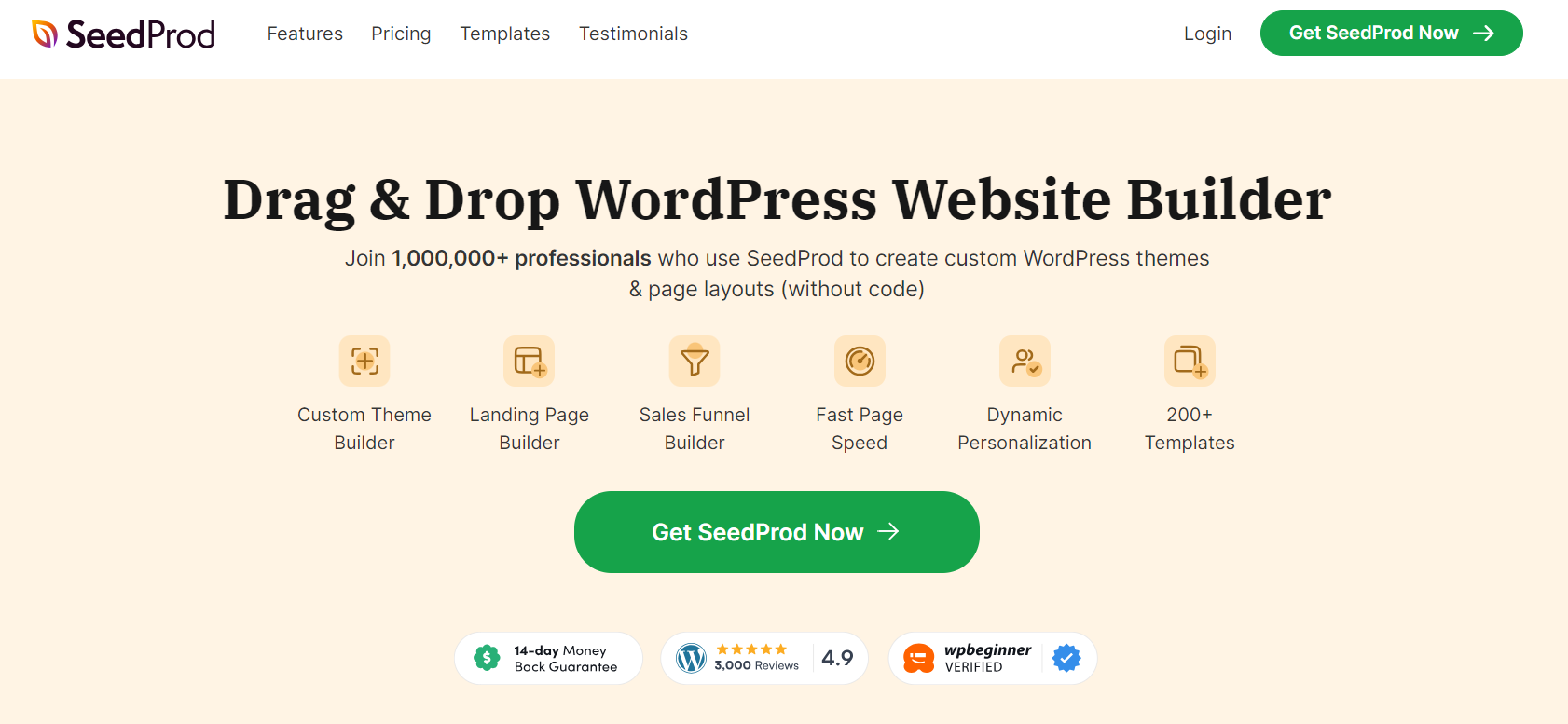
You can start from a landing page template or build from scratch with pro blocks, then add countdowns, opt-in forms and calls to action. SeedProd also includes a theme builder with WooCommerce templates and built-in coming soon and maintenance pages, which is useful if you need to make site changes before the sale.
5. FunnelKit
Checkout is where Black Friday revenue is won or lost. FunnelKit replaces the default WooCommerce checkout with an optimized flow and adds tools to raise order value.
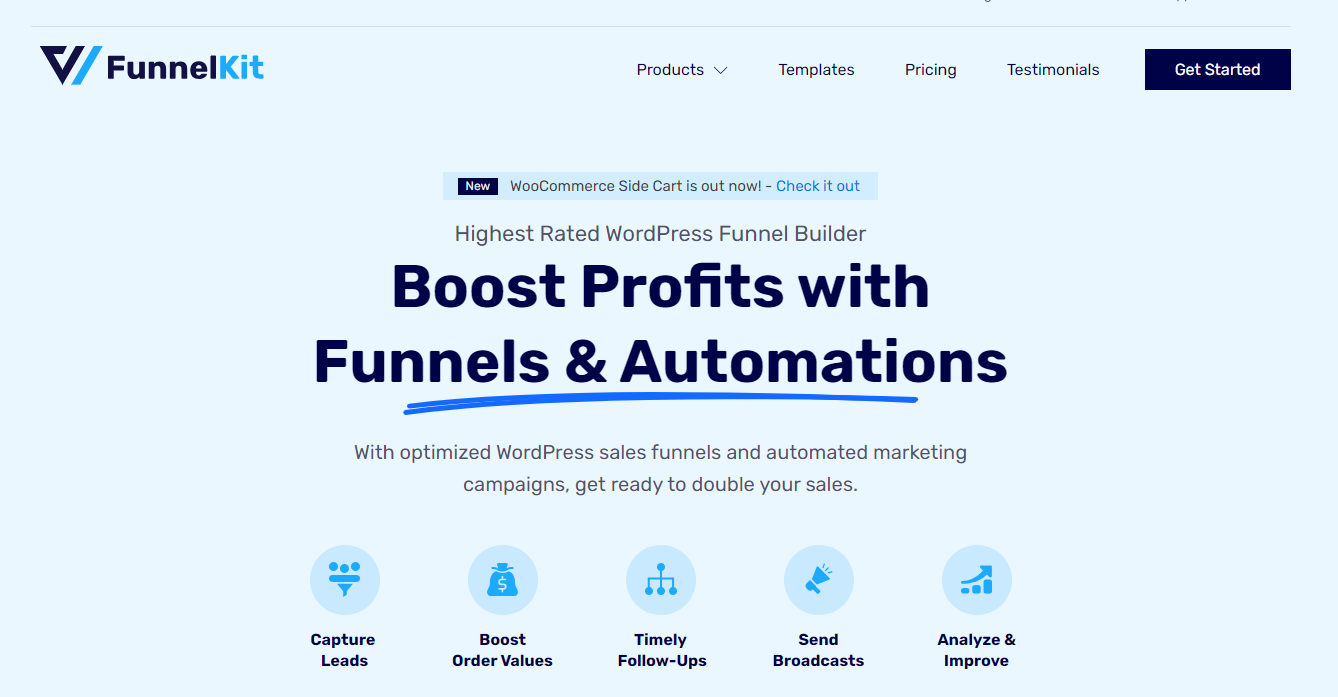
Alongside its funnel builder, key features include optimized checkout pages with express pay and address autocomplete, rule-based order bumps, one-click post-purchase upsells, a sliding cart, A/B testing and funnel analytics. FunnelKit Automations adds email and SMS marketing with abandoned cart recovery, so you can follow up with buyers who started an order but didn’t finish.
6. WPForms
Not every Black Friday interaction is a checkout. WPForms is a drag-and-drop form builder for WordPress that now includes AI-assisted form creation.
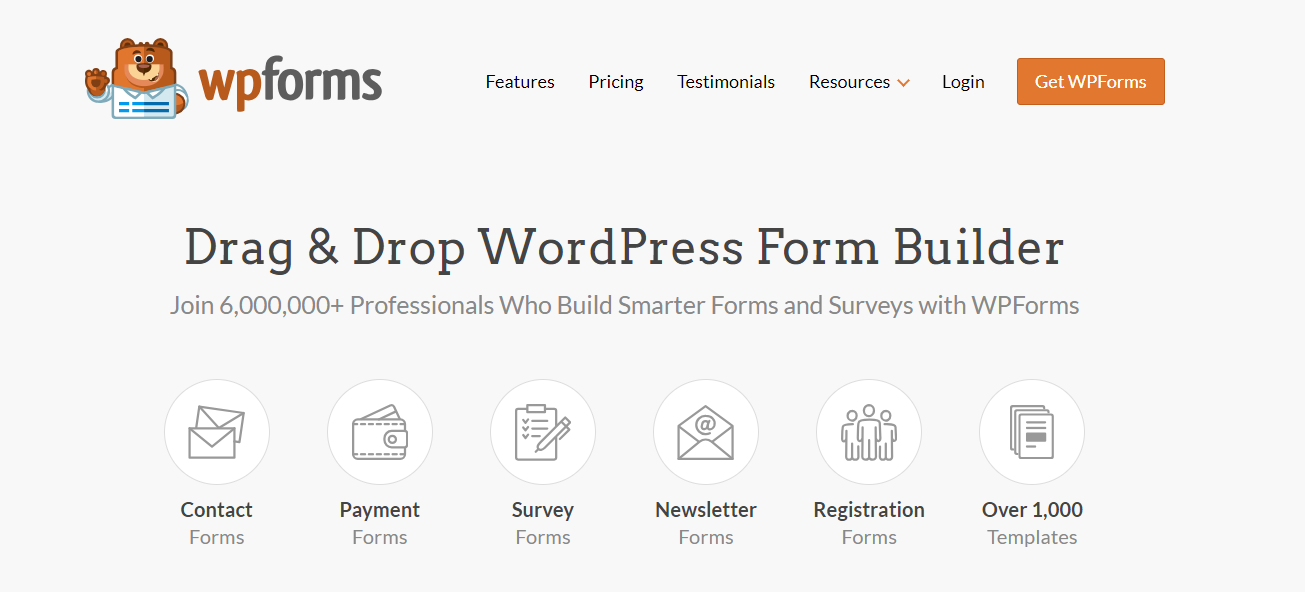
For a wholesale business, WPForms is handy for:
- Quote request forms for buyers whose order is too large or custom for the standard cart.
- Newsletter sign-up forms to grow your list before the sale.
- Post-sale surveys to learn what buyers liked and what to change next year.
- Payment forms for deposits or one-off orders outside your catalog.
7. RafflePress
A pre-sale giveaway is an easy way to build your email list before November 27. RafflePress is a WordPress giveaway plugin with a drag-and-drop builder and ready-made templates.
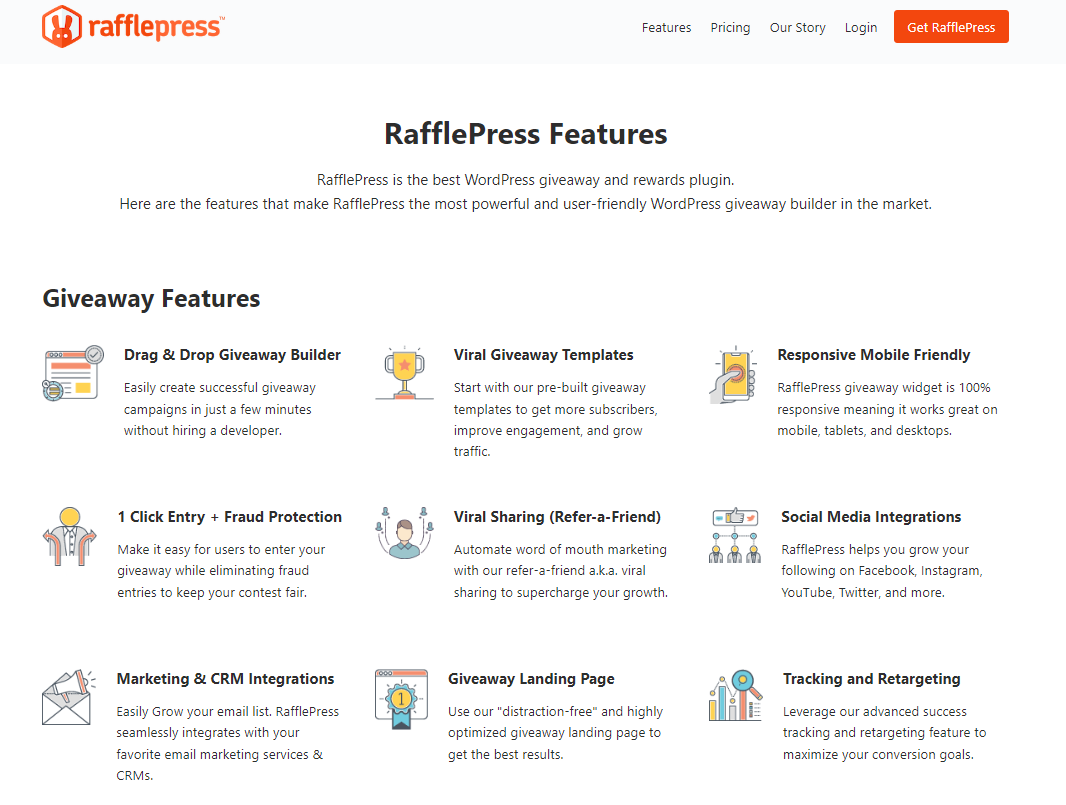
It offers 30+ entry actions, including email sign-ups, social follows, review links and a refer-a-friend option that rewards entrants for sharing. Fraud protection helps keep every giveaway legitimate. RafflePress connects with email services such as Mailchimp, ActiveCampaign, Drip, Brevo and Constant Contact, plus Zapier and webhooks for anything else.
For wholesale, think beyond consumer prizes. A free display stand, a sample box or a credit toward a first order can attract new trade accounts.
8. AffiliateWP
Partners, sales reps and industry influencers can all send buyers your way during Black Friday. AffiliateWP lets you run a self-hosted affiliate or referral program inside WordPress.

Highlights include referral and coupon tracking (so sales made with an affiliate’s code are credited correctly), a white-label affiliate dashboard, smart fraud detection and one-click payouts through Stripe or PayPal. It integrates with WooCommerce in one click, so you can launch an affiliate program well before November 27.
9. AIOSEO
Buyers research suppliers well before they order, and many start with a search. AIOSEO helps your Black Friday pages and products get found.
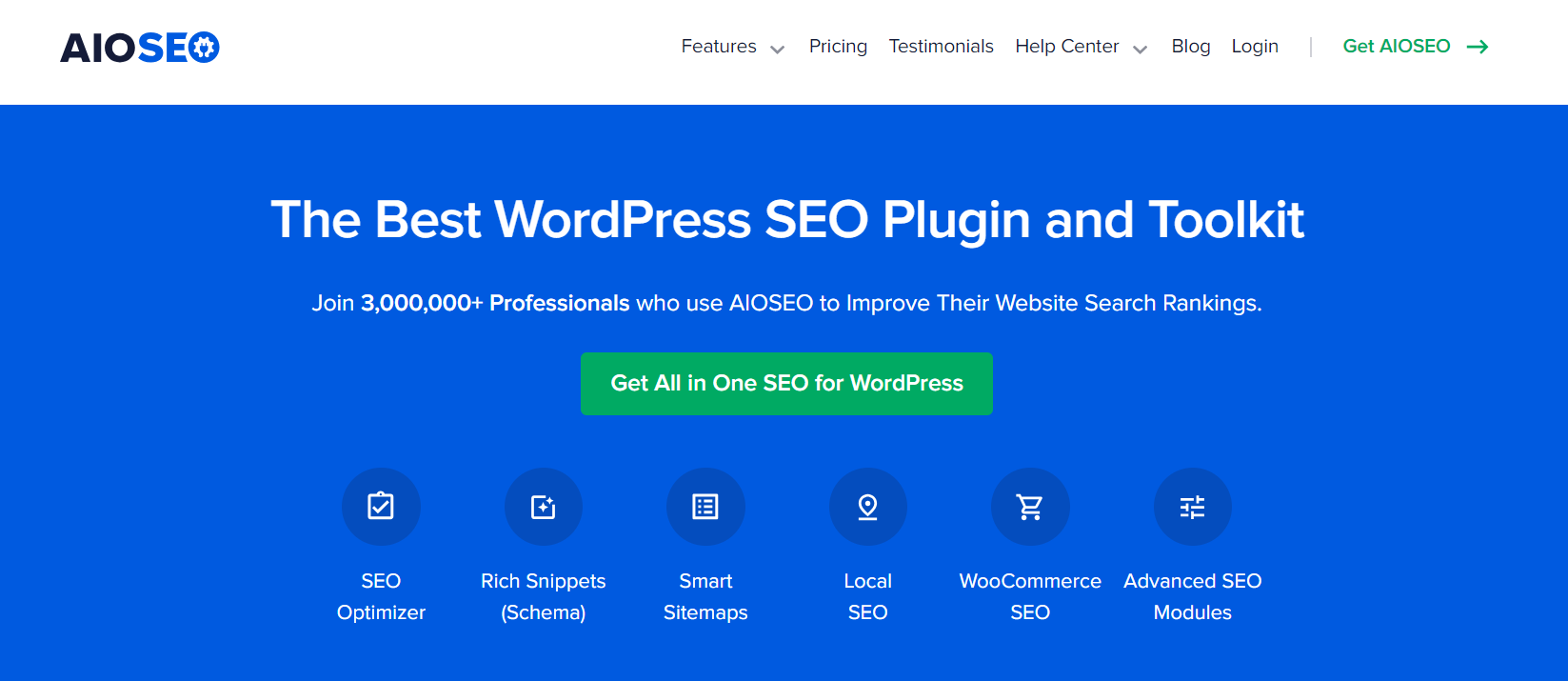
Its main features include:
- TruSEO on-page analysis with a checklist inside the editor.
- SEO audit checklist that flags site errors and suggests fixes.
- Schema markup for rich snippets, including product information.
- WooCommerce SEO settings for products and categories.
- Link Assistant for internal link suggestions, so you can point older posts to your Black Friday page.
- Search Statistics that bring Google Search Console data into your dashboard.
10. MonsterInsights
You can’t improve what you don’t measure, which is why analytics belongs in every Black Friday toolkit. MonsterInsights connects WordPress to Google Analytics and turns the data into reports you can read in your dashboard.

During Black Friday, these reports matter most:
- eCommerce tracking for WooCommerce (and Easy Digital Downloads if you also sell digital products), including revenue, conversion rate and top products.
- Coupon tracking to see which codes buyers used and how they performed.
- Real-time report to watch traffic and sources as your sale goes live.
- User Journey to see which pages a customer visited before buying.
- Outbound link tracking for partner and affiliate links.
How To Choose Tools For Your Black Friday Toolkit
You don’t need all 10 tools at once. Adding plugins in November also adds risk, so focus on gaps you can fill and test in time.
Start with the foundations. If you sell wholesale, pricing by role, bulk ordering and account approvals come first, because no amount of marketing helps if buyers can’t see their price or place a large order quickly. Then add one tool per job:
| Job | Pick one to start |
|---|---|
| Wholesale pricing, ordering and payment terms | Wholesale Suite |
| Coupon-based offers | Advanced Coupons |
| On-site promotion | OptinMonster |
| Landing pages | SeedProd |
| Checkout and order value | FunnelKit |
| Forms and quote requests | WPForms |
| List building before the sale | RafflePress |
| Partner referrals | AffiliateWP |
| Search visibility | AIOSEO |
| Measurement | MonsterInsights |
Check for overlap before you install. For example, if you already use FunnelKit for checkout, you may not need a separate cart plugin. Fewer plugins means fewer conflicts on the busiest weekend of the year.
Set Up Your B2B Black Friday Toolkit Before November 27
Install and configure new tools by mid-November, then freeze major changes for Black Friday week. That gives you time to test while traffic is still normal.
Use this checklist in the two weeks before the sale:
- Test every offer as a wholesale customer. Log in with a wholesale test account and confirm prices, tiers, coupons, shipping rules and payment plans all behave as expected. Repeat as a retail customer and a guest.
- Prepare for the load. Ask your host whether your plan can handle a traffic spike, confirm caching is set up correctly and make sure logged-in wholesale users still see their own prices. Run a speed test on your order form and checkout.
- Check mobile. With 70% of Cyber Week orders placed on mobile, try the full ordering flow on a phone.
- Back up your site before making changes, and know how to roll back quickly.
- Set up reporting so you can compare Black Friday 2026 against 2025 on the Monday after.
- Brief your team on offer rules, end times and how to answer buyer questions.
The NRF expects 2026 holiday sales to reach $1.013 trillion, up 4.2% on 2025, so the extra preparation is worth it. For a week-by-week plan, see our guide on how to prepare for Black Friday, and for the bigger picture, our WooCommerce Black Friday playbook.
Conclusion
A strong Black Friday toolkit helps you set the right prices, launch offers on time, convert more visitors and learn from the results. For wholesale businesses, the foundation is tooling that handles B2B needs: role-based pricing, bulk ordering, account approvals and payment terms. Wholesale Suite covers those, while Advanced Coupons, OptinMonster, SeedProd, FunnelKit, WPForms, RafflePress, AffiliateWP, AIOSEO and MonsterInsights each handle a specific part of promotion, conversion or measurement.
You don’t need every tool on this list. Choose the ones that fill a real gap in your store, set them up by mid-November and test everything before November 27, 2026. A focused, well-tested B2B Black Friday toolkit will serve you far better than a pile of new plugins installed the night before the sale.
Here’s what we covered in this article:
- Must-have tools for your B2B Black Friday toolkit
- How to choose tools for your Black Friday toolkit
- Set up your B2B Black Friday toolkit before November 27
Which of these tools are already in your Black Friday toolkit? Let us know in the comments below.