
Ultimately, the wholesale order form vs quote request boils down to one thing. Does the buyer already know what they are paying? A wholesale order form serves buyers who do and who want to order fast. A quote request supports buyers who need to confirm the price before proceeding. Most B2B stores end up needing both, for different customers.
This article provides the same decision framework for wholesale order form vs quote request. It also covers an option most comparisons miss: running both together.
The Two Buying Motions Behind Every B2B Order
Every B2B order arrives through one of two motions, and each one needs different machinery. Getting the wholesale order form vs quote request call right starts with naming which motion dominates your store.
Motion A: The buyer knows the price
They have an account, they have a price list, and they want forty SKUs in the cart without visiting forty product pages. Speed is the entire requirement.
Motion B: Price has to be agreed
Filter unusual quantities, configured products, or buyers who are new and don’t know how to price properly.
Stores that only build for Motion A frustrate their largest opportunities. Meanwhile, stores that only build for Motion B slow down their most loyal repeat buyers. That is why the answer to wholesale order form vs quote request is so often both.
Research backs up the split. McKinsey’s 2024 B2B Pulse Survey, which gathered responses from nearly 4,000 decision makers across 34 sectors in 13 countries, found a persistent rule of thirds: at any given stage of the buying journey, roughly one third of customers want in-person interaction, one third want remote communication, and one third prefer digital self-service. The same survey reports that 71 percent of B2B respondents now offer some form of e-commerce, and that online sales account for 34 percent of revenue for those who do.
Your buyers are not one type of buyer, and the tooling that serves them should not assume they are.
When A Wholesale Order Form Is The Right Answer
Choose an order form when your wholesale prices are published, stable, and attached to the customer’s tier.
The signals are easy to spot. Buyers reorder the same items on a cycle. Your price list does not change from order to order. Your catalog is large enough that clicking through product pages is the bottleneck rather than the pricing conversation.
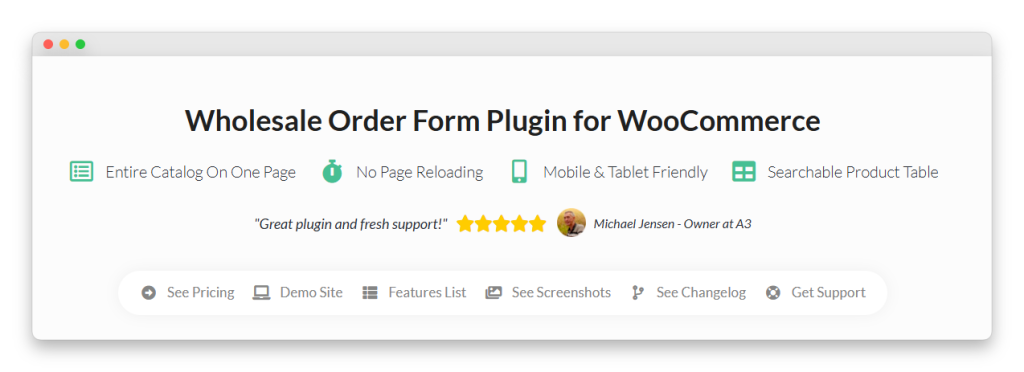
A wholesale order form puts the whole catalog on one page as a searchable table. Buyers filter by SKU, product name, tag, or category, type quantities straight down the column, and add everything to the cart in a single action with no page reloads in between.
Repeat buyers are the clearest fit, and our guide to wholesale reorder and repeat order workflows covers how to make that loop shorter.
Two details matter more than they sound. Variations can be displayed as individual products, so a buyer ordering six sizes of one item sees six rows rather than a dropdown they have to open six times. Recent versions also let you add GTIN, UPC, EAN, or ISBN as a column, which is how buyers working from their own internal part numbers actually search.
There is a role-level control worth knowing about too. Access to a form is restricted by user role, and column visibility can be set by role as well, so a new buyer group and an established one can look at the same catalog and see different things. Our walkthrough on setting up a role-based wholesale catalog covers how those product and category visibility rules are configured behind the form. That flexibility is part of why the wholesale order form vs quote request decision is important.
When A Quote Request Is The Right Answer
Choose quoting when the price is an outcome of the conversation rather than an input to it.
Getting that number right matters because wholesale margins are thin. NYU Stern’s margins by sector dataset, updated in January 2026, puts the average net margin for food wholesalers at 1.17 percent and for retail distributors at 6.05 percent. A pricing mistake at those levels is not a rounding error.
Three situations make quoting unavoidable. Volume-dependent pricing, where 500 units and 5,000 units are genuinely different deals. Configured or custom products, where the specification determines the cost. New buyers you have not priced yet, where you want to talk before you commit to a number.
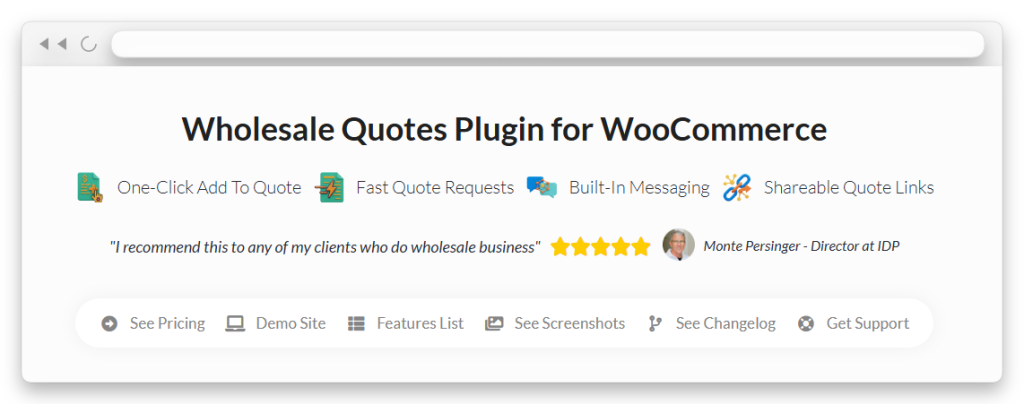
Wholesale Quotes handles this by keeping the negotiation inside the store. The buyer builds a quote from real products, both sides message each other on the same thread, either side can adjust line items, and an approved quote can be converted into a standard WooCommerce order.
Bulk quoting is covered too. If your buyers arrive with a list rather than browsing, CSV upload to quote lets them add up to 500 rows at once from a spreadsheet of SKUs and quantities. Prices are applied server-side, so nothing in the uploaded file can override your own numbers.
You can also set up a public quote link. Each quote gets a token-based URL the recipient can open without logging in, and everyone except the quote owner sees a read-only view. Buyers who need a manager’s sign-off can forward it internally instead of leaving the quote unread behind a password nobody remembers.
None of that changes the underlying wholesale order form vs quote request logic. It just means the quoting side is no longer the slow, email-shaped process it used to be.
Running Both Together
The two products are designed to work as one flow rather than as competing entry points.
When both plugins are active, Wholesale Quotes registers an Add to Quote button as an element you can drop into the order form builder. The order form itself can then carry a quote action alongside its quantity fields.
In practice, the buyer works through a single table and decides line by line. Stock items go into the cart at their tier price. Unusual lines go onto a quote instead, and the buyer can review or adjust those quote items from the quote page or from My Account > My Quotes before submitting.
Because the quote button is a form element rather than a global switch, a store running several order forms can give each one different behavior. A public catalog form might offer quoting on everything, while a form built for established accounts might not offer it at all.
Guest quoting deserves a mention here as well. Buyers can request a quote without an account when you enable it, with configurable rate limiting by IP address and email address to keep spam down. That turns an anonymous visitor into a named inquiry rather than a bounce, and logged-in customers are never subject to those limits.
OZO Coffee Roasters illustrates the ordering side of this at volume, and we covered how they grew their wholesale business if you want to see the workflow in context.
What Each One Costs To Set Up
For context on the stakes, Digital Commerce 360 reports U.S. manufacturing and wholesale distribution sales of $15.12 trillion in 2025, based on U.S. Department of Commerce data. Total sales grew just 0.4 percent that year, while B2B e-commerce climbed 13 percent to $2.93 trillion. The overall market is flat. The digital share of it is not.

Each is available on its own with a single-site or unlimited-sites license, and both are also included in the Wholesale Suite All Access Bundle alongside Wholesale Prices Premium, Lead Capture, and Wholesale Payments. If you are likely to need the second product within a year, it is worth checking current bundle pricing before buying either one separately. Our breakdown of B2B pricing extension alternatives covers where a pricing-only tool stops covering the other four jobs.
Choosing Between A Wholesale Order Form Vs Quote Request
The framing that helps most is to stop thinking about which product to buy and start thinking about which buying motions your store actually runs. Once you can name them, the tooling becomes obvious. A wholesale order form removes clicks for buyers who already know the number, and a quote request creates a record of the conversation for buyers who do not. Neither is the better product; they answer different questions, which is why the wholesale order form vs quote request debate usually resolves into a sequencing decision rather than a choice.
For most growing B2B stores, the honest answer to wholesale order form vs quote request is that you will need both within a year. Start with the one that matches your dominant motion, then add the second when the other motion shows up, because that path is considerably cheaper than rebuilding your ordering experience later. You can see how the two fit together on the Wholesale Order Form and Wholesale Quotes product pages.
Here is what we covered in this article:
- The two buying motions behind every B2B order
- When a wholesale order form is the right answer
- When a quote request is the right answer
- Running both together
- What each one costs to set up
Frequently Asked Questions
Can I use an order form and quote requests on the same store?
Yes, and it is the most common setup for established wholesale stores. The Add to Quote button can be added to the order form itself, so buyers choose line by line whether to order at their tier price or ask for a different one.
Can different customer roles see different options?
Yes. Access to an order form is restricted by user role, and column visibility can be controlled by role as well. Because the quote button is a form element, you can also publish one form with quoting enabled and another without it.
Does a quote turn into a real order?
Yes. Once an administrator approves a quote, it can be converted into a standard WooCommerce order, so you do not have to rebuild the order by hand after the negotiation ends.
Which is better for a very large catalog?
The order form, because its whole purpose is removing the per-product page load. Add quoting on top for the specific lines where pricing is negotiated rather than published.
What happens if a product on a quote is out of stock?
The product picker shows stock badges and prevents out-of-stock items from being added to a quote, while in-stock and backorder items can still be requested. On a CSV upload, an out-of-stock row is flagged as an error and the remaining valid rows are still added.
Can buyers request a quote without an account?
Yes, if you enable guest quotes. Rate limiting by IP address and email address is configurable for guests, and logged-in customers are not affected by those limits.
How do I decide on wholesale order form vs quote request if I am just starting out?
Start with the motion that already dominates your inbox. If most orders are repeat purchases at published prices, build the order form first. If most orders open with a pricing conversation, build quoting first and add the order form once the repeat business arrives.